Introduction
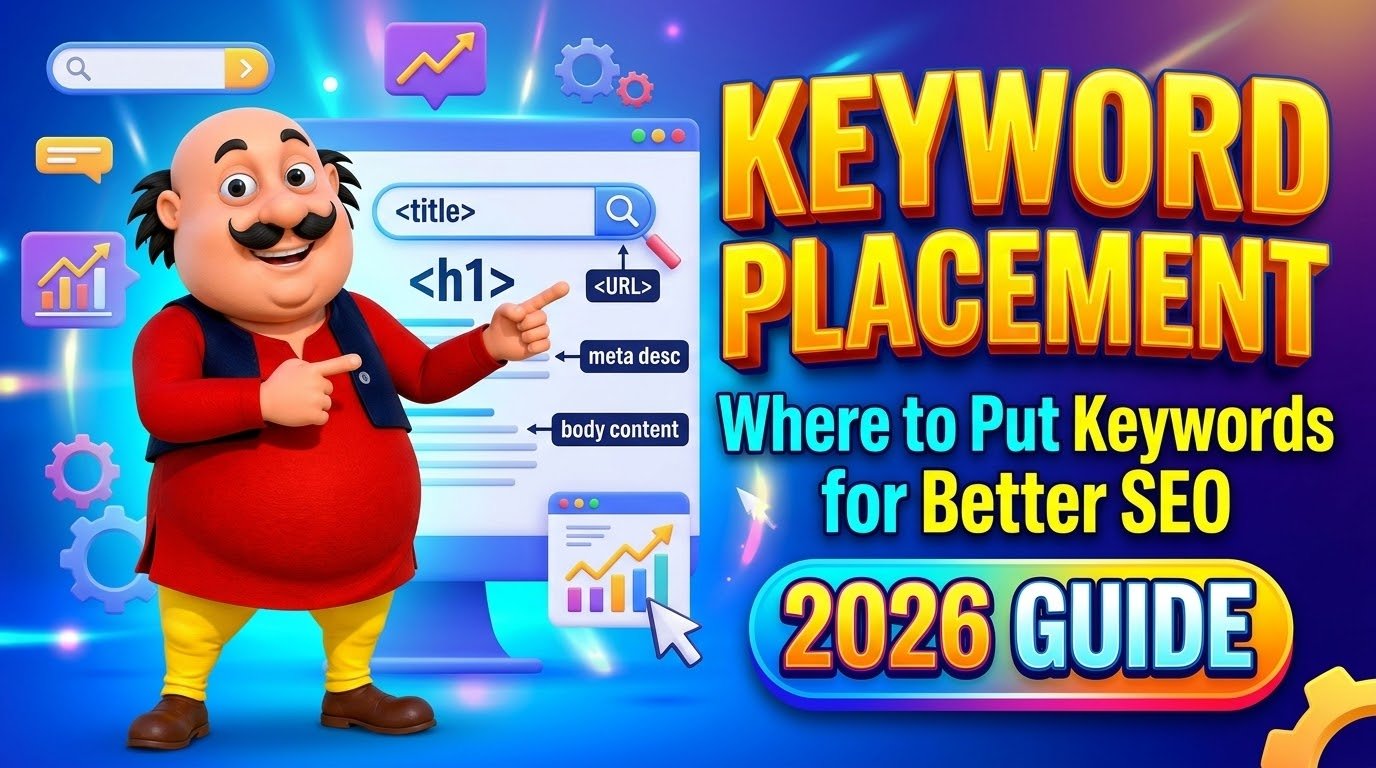
Putting a keyword on your page is not enough. Where you put it matters just as much as how many times you use it. A page that places its keyword in the title, the main heading, and the first paragraph tells Google what the page is about in seconds. A page that hides the same keyword in the middle of a long paragraph does not.
This guide explains keyword placement in simple terms: the 8 places that carry the most weight, the order to fix them in, and the mistakes that turn good placement into keyword stuffing. No theory, just the practical checklist you can use on every page you publish.
What Is Keyword Placement?
Keyword placement means putting your target keyword in the specific spots on a page where search engines and readers look first. Google checks these spots to understand what a page is about and whether it matches what a person searched for.
Placement is different from keyword density. Density counts how many times a keyword appears. Placement is about where it appears. A keyword in the title tag is worth far more than the same keyword buried in the tenth paragraph. That is why two pages with the same density can rank very differentl.
Modern Google understands synonyms and related words, so you do not need to repeat the exact phrase everywhere. But the main keyword still belongs in the high-signal spots. Think of it this way: density tells Google the keyword exists on the page; placement tells Google the page is actually about it.
The 8 Places to Put Your Keyword

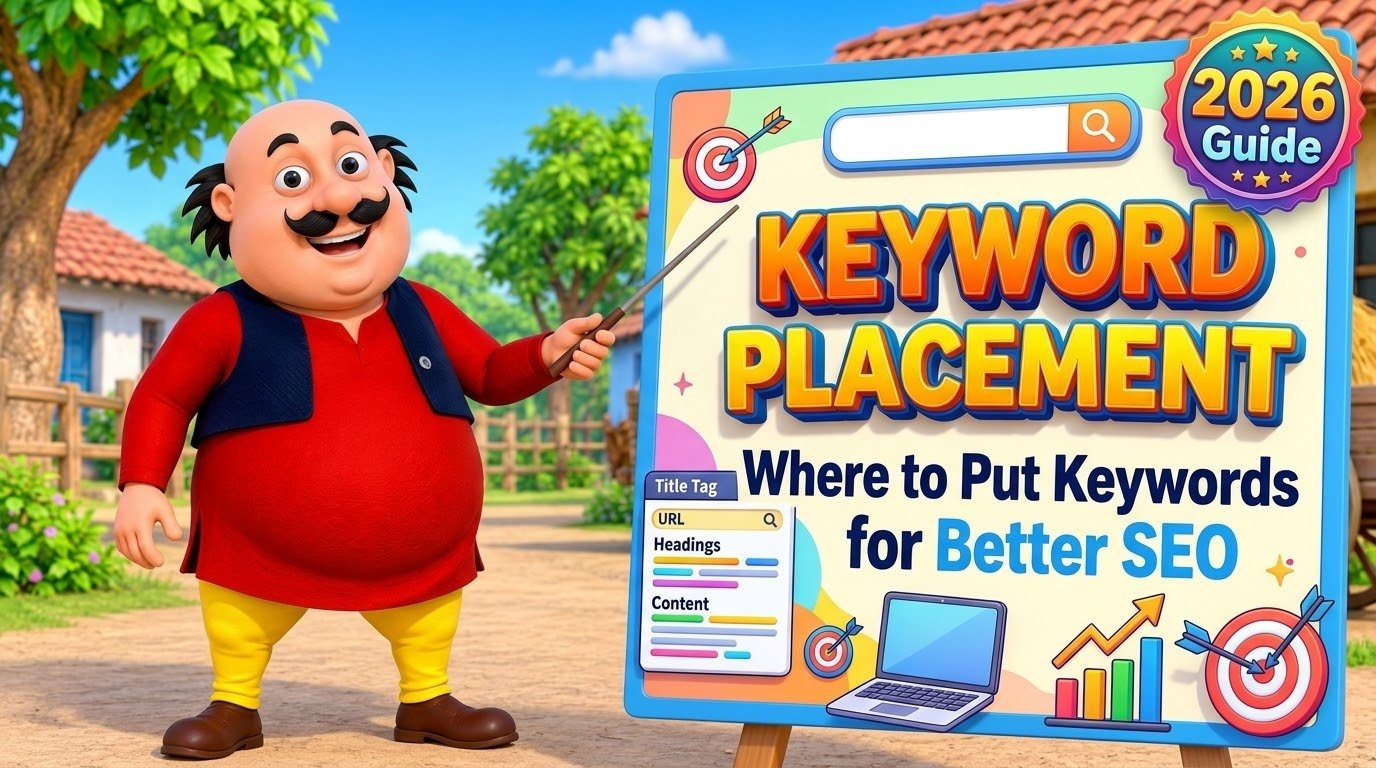
These eight spots carry almost all of the weight. Miss the first three and the rest barely help. Get them right and the page has a clear topic signal from the very first line.
1. Title Tag
The title tag is the blue clickable headline in search results, and it is still the single most influential on-page element. Put your keyword near the front of the title, ideally in the first three to five words, and keep the whole title under 60 characters so Google does not cut it off in the results.
Example: “Keyword Placement: Where to Put Keywords for Better SEO” puts the keyword first and tells the reader exactly what the page covers.
2. H1 Heading
The H1 is the main headline at the top of your page. Every page should have exactly one H1, and it should include the keyword or a close variation of it. The H1 can differ slightly from the title tag, but it must match the page topic clearly. In WordPress, the post title becomes the H1 automatically.
3. URL Slug
Keep the URL short and readable, with the keyword in it. A clean slug like /keyword-placement/ is better than /how-to-do-keyword-placement-for-seo-in-2026-guide/. Short URLs are easier to read, easier to share, and they confirm the topic before anyone clicks.
4. First 100 Words
Mention the keyword in the first 100 words of your content, ideally in the first two or three sentences. This tells readers and Google the topic immediately. It also helps AI answer engines, which often pull their summary from the opening of a page. If the keyword does not appear until halfway down the page, the topic signal is weak.
5. Meta Description
The meta description does not directly affect rankings, but it controls your click-through rate. Google often shows it as the summary under your listing, and it bolds the matching keyword in the results. Write 150 to 160 characters that include the keyword naturally and give people a reason to click.
6. Subheadings (H2 and H3)
Use the keyword or a natural variation in at least one H2 subheading. Subheadings break up the content and signal what each section is about. Do not force the keyword into every heading. One or two natural uses are enough, and variations work just as well as the exact phrase.
7. Image Alt Text
Alt text describes an image for search engines and for people using screen readers. Include the keyword only when it honestly describes the image. Writing “keyword placement priority table” as alt text for a table image is natural. Adding the keyword to every image on the page is not.
8. Internal Link Anchor Text
When another page on your site links to this page, the clickable words, called anchor text, should describe the page. If your other articles link to your keyword placement guide with the words “keyword placement guide”, that tells Google what the linked page is about and strengthens the topic. Generic links like “click here” waste the signal.
Keyword Placement Priority: What to Fix First

If your keyword is missing from several spots, do not try to fix them all at once. Fix them in this order, from highest impact to lowest.
| Priority | Location | Why it matters |
|---|---|---|
| 1 | Title tag | Strongest on-page signal; seen by Google and searchers first |
| 2 | H1 heading | Confirms the page topic; only one per page |
| 3 | Meta description | Lifts clicks; keyword appears bolded in results |
| 4 | First 100 words | Signals relevance immediately to readers and AI engines |
| 5 | URL slug | Short, readable topic signal before the click |
| 6 | Subheadings | Shows section relevance; use variations naturally |
| 7 | Image alt text | Helps image search; include only when honest |
| 8 | Internal link anchors | Builds topical connections between your pages |
Title, H1, and meta description are the must-haves. The rest are helpful, but they cannot save a page that misses the top three.
5 Keyword Placement Mistakes to Avoid
Good placement turns into spam the moment it stops sounding natural. These five mistakes are the most common ones.
| Mistake | What happens | Do this instead |
|---|---|---|
| Forcing the keyword into every heading | Headings read like a robot wrote them | Use it in one H2; use variations in the rest |
| Repeating the exact phrase in every paragraph | Looks like keyword stuffing to Google | Use synonyms and related words after the intro |
| Stuffing the footer or hidden text | Violates Google spam policy; can trigger a penalty | Keep keywords visible and natural only |
| Same keyword on five different pages | Your own pages compete with each other | One primary keyword per page, always |
| Filling the meta keywords tag | Nothing; Google has ignored it since 2009 | Skip it and spend the time on the title tag |
The last one surprises people. Google confirmed in 2009 that it completely ignores the meta keywords tag, and John Mueller reconfirmed it in 2023. Any time spent there is wasted.
How to Check Your Keyword Placement
Before you publish, run a quick placement check on the page. Open the page and ask five questions: is the keyword in the title, the H1, the first paragraph, at least one subheading, and the meta description? If the answer is yes to all five, the placement is solid.
Then check the balance. A free word density checker shows how many times the keyword appears and what percentage of the text it makes up. Aim for around 0.5 to 1 percent, which is roughly 5 to 10 mentions per 1,000 words. If the count is far higher, the page probably reads as stuffed. Our keyword density SEO guide explains the safe ranges in detail, and our keyword frequency counter shows which words you actually repeat most.
Keyword Placement vs Keyword Density
Placement and density work together, but placement matters more in 2026. Google has said clearly that keyword density is not a ranking factor, and there is no official percentage to hit. Placement, on the other hand, still sends a direct topic signal from the spots Google checks first.
The practical rule is simple: place the keyword in the eight spots above, then write naturally. If you find yourself counting mentions, you are optimizing the wrong thing. Readers notice forced repetition before Google does. For the full picture, read our guide on what keyword density is and the seven safe practices in our keyword stuffing guide. A good keyword density supports good placement, but it can never replace it.
Frequently Asked Questions
Where is the most important place to put a keyword?
The title tag. It is the first thing Google reads and the first thing people see in search results, so it affects both rankings and clicks. Put the keyword near the front and keep the title under 60 characters.
How many times should a keyword appear on a page?
There is no fixed number. A safe range is 0.5 to 1 percent of the total words, about 5 to 10 mentions per 1,000 words. What matters more is that the keyword appears in the title, H1, first paragraph, and at least one subheading.
Should the keyword be in the meta description?
Yes. The meta description does not affect rankings directly, but Google bolds the matching keyword in the search results, which draws the eye and improves clicks. Keep it to 150 to 160 characters.
Can I use the same keyword on more than one page?
You should not. When two pages target the same keyword, they compete with each other and neither ranks well. Give each page one primary keyword and use related variations on supporting pages.
Does the meta keywords tag still work?
No. Google has ignored the meta keywords tag completely since 2009. Do not waste time filling it in. Focus on the title tag, H1, and meta description instead.
Conclusion
Keyword placement is simple when you stop chasing density and start thinking about signals. Put the keyword in the title tag, the H1, the first 100 words, and the meta description, support it in one subheading and a few honest image descriptions, and link to the page with descriptive anchor text. Then write the rest naturally.
Use this checklist on every page you publish, and review your older pages every few months. A single keyword moved into the title or the opening paragraph is often the difference between a page that ranks and a page that stays invisible.
3 thoughts on “Keyword Placement: Where to Put Keywords for Better SEO (2026 Guide)”