
Introduction
Writing a good page is only half the job. The other half is knowing how your keywords are really used on that page, and most people never check. They write, publish, and hope. When you analyze keyword usage, you replace hope with facts. You can see whether your main phrase is clear, whether it appears in the right places, whether it is repeated too much, and whether the page matches what searchers want. This guide gives you everything you need to analyze keyword usage in a simple, repeatable way, even if you are new to SEO and do not use paid tools.
What Does It Mean to Analyze Keyword Usage?
To analyze keyword usage means to look closely at how the important words and phrases appear in your content, and to judge whether that usage helps the reader and the search engine. It goes beyond counting. You look at how many times a phrase appears, where it sits, how it is spread across the page, which variations you use, and whether the whole page answers the question behind the search. Think of it as a health check for a page: you measure a few signs, find the weak spots, and decide what to fix.
Why Keyword Usage Analysis Matters
Most ranking problems that writers can fix themselves come from keyword usage. A page may never mention its main topic clearly, so search engines are not sure what it covers. Another page may repeat one phrase in every paragraph, so readers leave. Others target the same keyword as another page on the same site, so the pages compete with each other. A short analysis finds these problems quickly. It also saves money, because you improve pages you already own instead of writing new ones that may face the same problems.
The Five Things to Look At

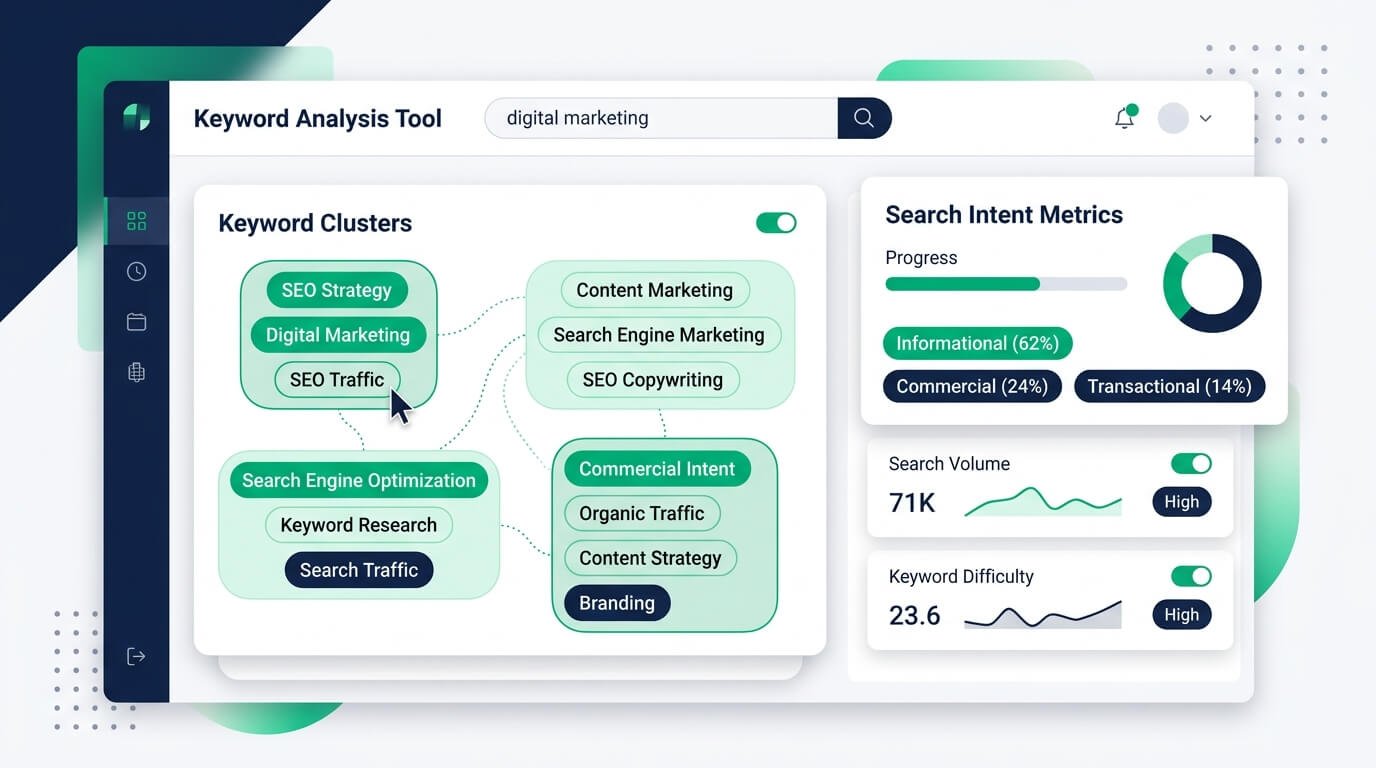
A useful analysis does not need dozens of numbers. These five checks cover almost everything that matters, and you can run all of them on one page in about ten minutes.
Count and Density
Count is how many times a phrase appears, and density is that count as a percentage of all the words. These two numbers give you a quick picture of how often you repeat something. There is no official number that Google rewards, so do not chase one. Use them to spot extremes, such as a main phrase that never appears, or one that shows up so often that it sounds odd when you read it out loud.
Placement
Placement means where the keyword sits. Check the title, the main heading, the first hundred words, at least one subheading, and the conclusion. These spots tell readers and search engines what the page is about. If your main phrase is missing from all of them, the page may look vague. If it is in all of them plus every other sentence, it may look forced. Aim for clear signals in the key places and natural writing everywhere else.
Distribution
Distribution is how evenly the keyword is spread through the page. A phrase that appears five times in the first paragraph and never again looks very different from one that appears naturally across the whole article. Scan your draft, or look at the sentences listed by your counter. You want the topic to stay visible from the start to the end, without clusters of repetition in one place.
Variations and Related Terms
People search in many ways, so a good page uses more than one form of a phrase. Look for plurals, synonyms, shorter forms, and related terms. A page about keyword density should also mention frequency, percentage, and stuffing. Exact-match counters treat “keyword” and “keywords” as different words, so check the variants separately before you decide that a term is missing from your page.
Search Intent Match
The best keyword usage cannot save a page that gives the wrong kind of answer. Search your main keyword and look at the top results. Are they guides, lists, tools, or product pages? Compare that with your page. If searchers want a quick tool and you wrote a long essay, you have an intent problem, and no amount of keyword work will fix it until you change the type of page you offer.
Tools You Can Use
You do not need an expensive setup. Three simple tools cover most of the work, and two of them are free.
A Keyword Counter
A keyword counter is the fastest way to measure count, density, and placement in one go. With the free Zuhio Keyword Count Checker, you paste your text, enter your main keyword and a few variations, and see the count, the density, the coverage, and the sentences where each keyword appears. Keyword brief mode lets you set a minimum and a maximum for each phrase, and Content QA mode lists your most-used terms, which helps you find words that you repeat without planning to.
Google Search Console
Search Console shows what really happens after you publish. In the Performance report, you can filter by a page and see which searches bring impressions and clicks, along with the average position. This tells you which phrases Google already connects with your page, including ones you never planned for. Those unexpected phrases are often the best clue about how to adjust your wording, your headings, or the topics you cover.
Your Browser and a Spreadsheet
For quick checks, Ctrl+F in your browser or word processor shows how many times a word appears, though it often counts inside longer words. A spreadsheet is useful for tracking many pages. Create columns for the page, the main keyword, the count, the density, the date you checked, and what you changed. After a few months, this simple sheet shows what worked and saves you from repeating the same checks again and again.
How to Analyze Keyword Usage Step by Step

Here is a simple way to analyze keyword usage on any page. First, write down the one main keyword and two or three variations. Second, paste the text into a counter and note the count and the density. Third, check the placement in the title, the heading, the introduction, and one subheading. Fourth, read the flagged sentences out loud and mark any that sound forced. Fifth, look in Search Console for the searches that already bring visitors to the page. Finally, decide on two or three changes, make them, and write the date in your sheet. Small, focused edits are easier to measure than a full rewrite.
Ready to try it? Open the free keyword count checker, paste the page you want to review, and work through the first three steps above. You will have your count, your density, and the flagged sentences in under a minute.
How to Compare Your Page With Top Results
Looking at pages that already rank can teach you a lot, as long as you do not copy them. Open the top few results for your keyword and note how they use the phrase in the title, the headings, and the first paragraph. Notice which related topics and questions they cover. You are not trying to match their counts. You are looking for gaps, such as a question they skip or a section where your page can be clearer. Cover the topic better, and your keyword usage will follow naturally.
How to Spot Keyword Cannibalization
Keyword cannibalization happens when two or more pages on your site target the same phrase, so they compete with each other. To spot it, search Search Console for a query and see which of your pages receive impressions for it. If several pages share the same query and none ranks well, you may have a problem. The fix is usually to merge the pages, to point one of them clearly at a different keyword, or to link the weaker page to the stronger one. Keep a simple list of which page owns which keyword.
How to Fix Weak Keyword Usage
If your analysis shows weak usage, start with the title, the main heading, and the opening paragraph, because these send the strongest signals. Then add the phrase to one subheading where it truly fits, and cover missing related terms in a short section or an FAQ. Do not just insert the keyword into random sentences. Add useful information that naturally includes it. If the page still does not match the intent, change the format of the page instead of adding more keywords.
How to Fix Overused Keywords
If a phrase is overused, read the flagged sentences and keep the best mentions. Replace the rest with pronouns, short forms, synonyms, or specific details. For example, change “our keyword count tool” to “it” or “this tool” in the middle of a paragraph. Cut sentences that add nothing new. Then run the check again to make sure the topic is still clear. The goal is not the lowest possible count, but a page that sounds like a person wrote it for another person.
How Often Should You Review Your Pages?

Keyword usage is not a one-time job. Review your most important pages every three to six months, and check any page whose traffic drops. Search results change, new competitors appear, and your own edits can slowly shift the balance. A quick review with a counter and Search Console takes only a few minutes per page, and it often finds an easy improvement. Pages that bring in leads or sales should be reviewed first.
Common Mistakes to Avoid
A few mistakes show up again and again. People chase a perfect percentage, ignore search intent, count only exact matches, and forget variations. Others change many things at once, so they cannot tell what worked, or they copy a competitor’s numbers without understanding why those pages rank. Another common mistake is checking only the body text and forgetting the title, the headings, and the meta description. Avoid these, keep notes, and stay patient, because changes often take weeks to show up in the results.
Final Thoughts
Analyzing keyword usage is one of the simplest ways to improve a page you have already written. Instead of guessing, you can check the count and density, confirm that your main phrase sits in the title, the heading, and the opening paragraph, make sure it is spread naturally through the page, add the variations that people really search for, and test whether the page matches search intent. When something is weak, fix the title and the introduction first.
When something is overused, replace the repeats with clearer wording. Then measure again in Search Console and keep short notes, so every change teaches you something for the next page. Remember that no tool and no percentage can rank a page on its own, because helpful, honest writing will always matter most. If you are ready to start, paste your page into the free Zuhio Keyword Count Checker, enter your main keyword and a few variations, and read the sentences it shows you. One careful review today can make your content clearer for readers and easier for search engines to understand.