
Introduction
Repeated words are one of those problems you cannot see while you are writing but notice right away when you read the same text a day later. The same adjective in three sentences in a row, a favorite phrase that opens every paragraph, or an accidental “the the” can make a good document feel careless.
The good news is that you can find repeated words in a document in a few minutes, without special skills. This guide shows six simple methods, from reading aloud to using a free word counter, and then explains how to Find Repeated Words in a Document what you find without making your writing stiff.
Why Repeated Words Hurt Your Writing
Repetition makes writing tiring to read. When a reader sees the same word again and again, the text starts to feel slow, and the important ideas get lost behind the echo. It also makes you look less careful, which matters in client work, school papers, reports, and web content.
For online pages, there is one more reason: overdoing a keyword can look like keyword stuffing, which search engines treat as a poor practice. Repetition is not always wrong, because some words are needed, but you should choose it on purpose.
Three Kinds of Repeated Words


Not all repetition is the same, and the right method depends on what you are looking for. Most problems fall into three groups.
Accidental Doubles
These are mistakes like “the the” or “is is”, where a word appears twice in a row. They usually happen when you edit a sentence and leave a piece behind. Many word processors underline them while you type, but they are easy to miss in long files or in text that was pasted from somewhere else.
Overused Words
These are ordinary words that you lean on too much, such as “very”, “really”, “just”, “thing”, or “important”. Each use looks fine alone, but together they make the text flat. They are best found with a frequency list, because you rarely notice them one at a time.
Repeated Phrases and Openings
This group includes phrases you use again and again, and paragraphs or sentences that all start the same way, such as “You can” or “This is”. You often find these by reading aloud, or by scanning the first words of each sentence down the page.
Method 1: Read It Out Loud
The simplest method costs nothing. Read your document out loud, or let a text-to-speech voice read it to you, and listen for echoes. Your ear catches repeated words and clumsy rhythm that your eyes skip over, because your brain fills in what it expects to see.
Mark each spot with a highlight or a comment as you go. This method will not give you numbers, and it is slow for long files, so use it as a final pass after the tools have done the first sweep.
Method 2: Use Find in Word or Google Docs
To check one suspect word, press Ctrl+F (Cmd+F on a Mac) in Word or Google Docs, type the word, and read the number of matches. Both programs highlight each match, so you can jump through them one by one and see how close together they are.
This is perfect when you already know the word you overuse. The limits are that it checks one word at a time and may count the letters inside longer words, so searching “very” can also find “every”. Check the highlighted spots before you decide anything.
Method 3: Highlight Every Match in Word
Microsoft Word can mark every match at once. Open the Find and Replace window with Ctrl+H, go to the Find tab, type your word, and choose Reading Highlight, then Highlight All. Every match is colored in the document, so clusters stand out at a glance.
This is a quick visual way to see whether a word piles up in one section. Turn the highlight off when you finish, and keep in mind that menu names can change between versions of Word.
Method 4: Find Doubled Words With Wildcards
Doubled words like “the the” can be found with a Word wildcard search. In the Find and Replace window, click More, tick Use wildcards, and enter (<[A-Za-z]@>) \1 in the Find box. Word will stop on any word that appears twice in a row. Test the pattern on a short paragraph first, because wildcard rules are strict and a typing slip will give odd results. If this feels too technical, read the document aloud or use a spell checker, which flags many doubled words on its own.
Method 5: Use a Word Frequency Counter
A word frequency counter does the heavy work for you. Paste your text into the free Zuhio Keyword Count Checker, and use Content QA mode to see the most-used terms in your draft. If a casual word like “really” sits near the top, or one name appears in nearly every paragraph, you have found something to trim.
You can also enter your own list of suspect words and see the count, the density, and the exact sentences where each one appears, so you can fix them one by one. The analysis runs in your browser, so your text stays on your device.
Method 6: Use a Spreadsheet
If you like spreadsheets, paste your text into Google Sheets and use a formula to list each word with its count, which gives you a full frequency table. This is useful for long documents, though the formulas take a little setup, and a single cell has a character limit, so very long files need to be split.
Our guide to counting word occurrences in Google Docs includes a formula you can adapt. For most people, a ready-made counter is faster, but a sheet is handy when you want to keep records across many files.
Words Most People Overuse
Every writer has a few favorite words, and most lists look alike. Common ones are very, really, just, that, thing, important, also, however, and good. Words that belong to your field matter too, such as “solution”, “strategy”, or “platform” in business writing.
Do not remove every one of them, because many are useful. Look at the top of your frequency list and ask a simple question about each word: does this one help the reader, or did I just type it out of habit?
How to Fix Repeated Words

Finding repeated words is only half the job. The fix depends on why the word is repeated, and a few simple moves solve most cases.
Replace It With a Better Word
Swap the repeated word for a more exact one. Instead of “good” three times, say what you really mean, such as “reliable”, “cheap”, or “easy to read”. A more precise word is usually better than a fancy synonym because it carries more information. Avoid picking a rare word only to dodge repetition, since that can make the text sound forced.
Combine or Cut Sentences
When two sentences repeat the same subject and the same idea, join them or delete one. Often the second sentence adds nothing new. Cutting it makes the paragraph shorter and clearer, and it removes the echo in one step.
Use Pronouns and Short Forms
Use words like “it”, “they”, “this tool”, or “the method” after you have introduced a subject once. This keeps the meaning clear without repeating the full name every time. Do it in moderation, because too many pronouns can leave readers unsure what you are talking about.
Repeated Words and SEO
If your document is a web page, remember that repeating your main keyword is normal up to a point, but repeating it in every paragraph can look like keyword stuffing. Google has not published an ideal number of mentions, so do not trust anyone who gives you a magic percentage.
Use the frequency list to check that your main phrase appears in the title, the opening, and a heading, and that you are not forcing it in everywhere else. Then read the flagged sentences out loud and keep the text natural.
A 10-Minute Editing Routine
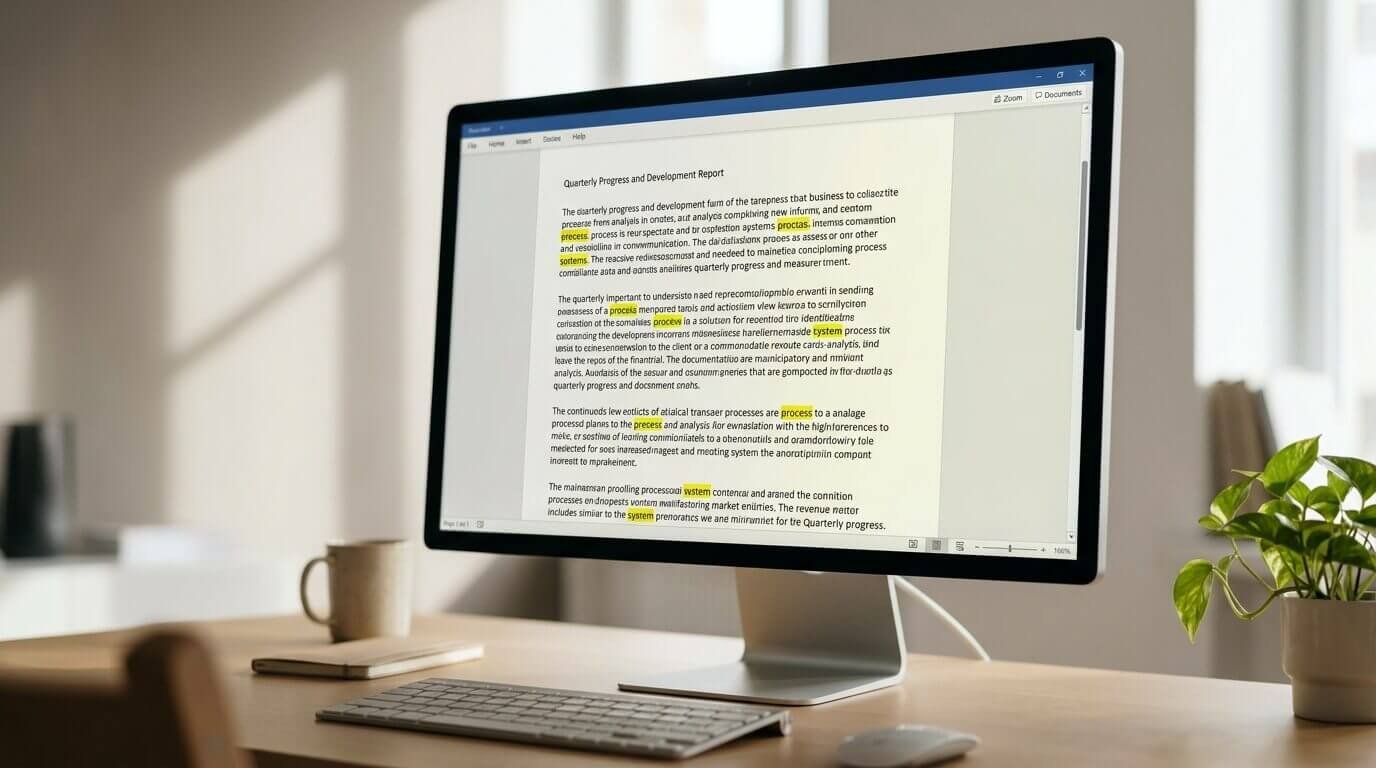
Here is a simple routine you can repeat on any document. First, finish your draft and leave it for a few hours if you can. Second, run it through a word frequency counter and look at the top ten words. Third, check for doubled words with a spell checker or a wildcard search.
Fourth, read the document aloud once and mark any echo you hear. Fifth, fix the worst problems using the methods above, and run the check one more time. Then stop, because editing the same text again and again can make it worse.
Common Mistakes to Avoid
A few mistakes show up again and again. People remove every repeated word, even the necessary ones, and end up with strange synonyms. They check only the body text and forget the title and headings. They rely on a spell checker alone, which finds doubled words but not overused ones.
And they trust a number more than their own reading. Use the tools to find the spots, and use your own judgment to decide what to change.
Frequently Asked Questions
Is it bad to repeat a word?
Not always. Repeating a key term can make a text clearer, especially in technical or legal writing, where changing a word can change the meaning. The problem is needless repetition that adds nothing for the reader.
Can I find repeated words in a PDF?
Yes. Copy the text from the PDF and paste it into a word counter or a document, then use the same methods. For a scanned PDF, you may need OCR software first to turn the image into text.
Final Thoughts
Knowing how to find repeated words in a document takes the guesswork out of editing. Start with a quick read aloud, use Find or a frequency list to spot overused words, check for doubled words with a spell checker or a wildcard search, and fix what you find with better words, shorter sentences, and clear pronouns.
Do not chase zero repetition, because the goal is a document that reads smoothly and says what you mean. When you are ready to try it, paste your next draft into the free Zuhio Keyword Count Checker, open Content QA mode, and see your most-used words in seconds. A few minutes of checking today can make your writing cleaner, clearer, and easier for anyone to read.
1 thought on “How to Find Repeated Words in a Document: 6 Easy Methods”