Introduction
Sometimes you know exactly what you want to say, but the words just do not come out right. Maybe a sentence is too long, too stiff, or too close to the source you read. This is where a paraphrasing tool can save your time. It takes your sentence, keeps the meaning, and gives it back in new words. In this guide, you will learn what a paraphrasing tool really does, how to use it in a smart way, and where it can go wrong, all in simple words.
What Is a Paraphrasing Tool?
A paraphrasing tool is an online program that rewrites text in different words while trying to keep the same meaning. You paste a sentence or a paragraph, choose a mode, and the tool gives you a new version. Some tools change only a few words, while others reshape the whole sentence. Students, bloggers, and office workers use this kind of tool to save time and to find fresh ways to say the same idea. It is a helper, and the final choice is always yours.
Why People Paraphrase
Paraphrasing means saying an idea in your own words. Students do it to avoid copying their sources. Writers do it to make a hard sentence easier to read. Marketers do it to give the same message a new tone for a new audience. Non-native speakers do it to find a natural way to say something they only half know. Paraphrasing also shows that you truly understand an idea, because you cannot rewrite what you do not understand.
How a Paraphrasing Tool Works
Most modern tools use language models trained on large amounts of text. The tool reads your sentence, finds its meaning, and then predicts other words and structures that carry the same idea. It may swap words for similar ones, move parts of the sentence, or change active voice into passive voice. Better tools look at the whole paragraph so the new text still flows. Simple tools only swap words one by one, which often gives strange results. The quality depends on the tool behind the button.
Who Should Use a Paraphrasing Tool?
Students can use it to understand how a sentence can be rebuilt, but they must still cite their sources. Bloggers can refresh old posts or find a new way to open a paragraph. Content teams can adjust the tone of a message for email, social media, or a website. Researchers can simplify heavy language for a wider audience. Anyone who writes a lot can use it as a brainstorming partner when a sentence feels stuck.
Features to Look For
Look for a tool that keeps the meaning clear and sounds natural. Several modes, such as simple, formal, and creative, give you more choice. A fair word limit helps when you work with longer text. You should be able to see more than one suggestion and pick your favorite. A clean design with few ads makes the work faster. Finally, check that the tool explains how it handles your text, because privacy matters, as we will see later.
How to Use a Paraphrasing Tool Step by Step
First, read your original text and be sure you understand it. Second, paste a small piece into the tool, one paragraph at a time, because short pieces give better results. Third, choose a mode that matches your goal, such as simple or formal. Fourth, read the new version and compare it with the original meaning. Fifth, edit the result in your own voice. Sixth, read it out loud to check the flow. Using a paraphrasing tool this way gives clean results and keeps you in control.
Modes and Settings Explained
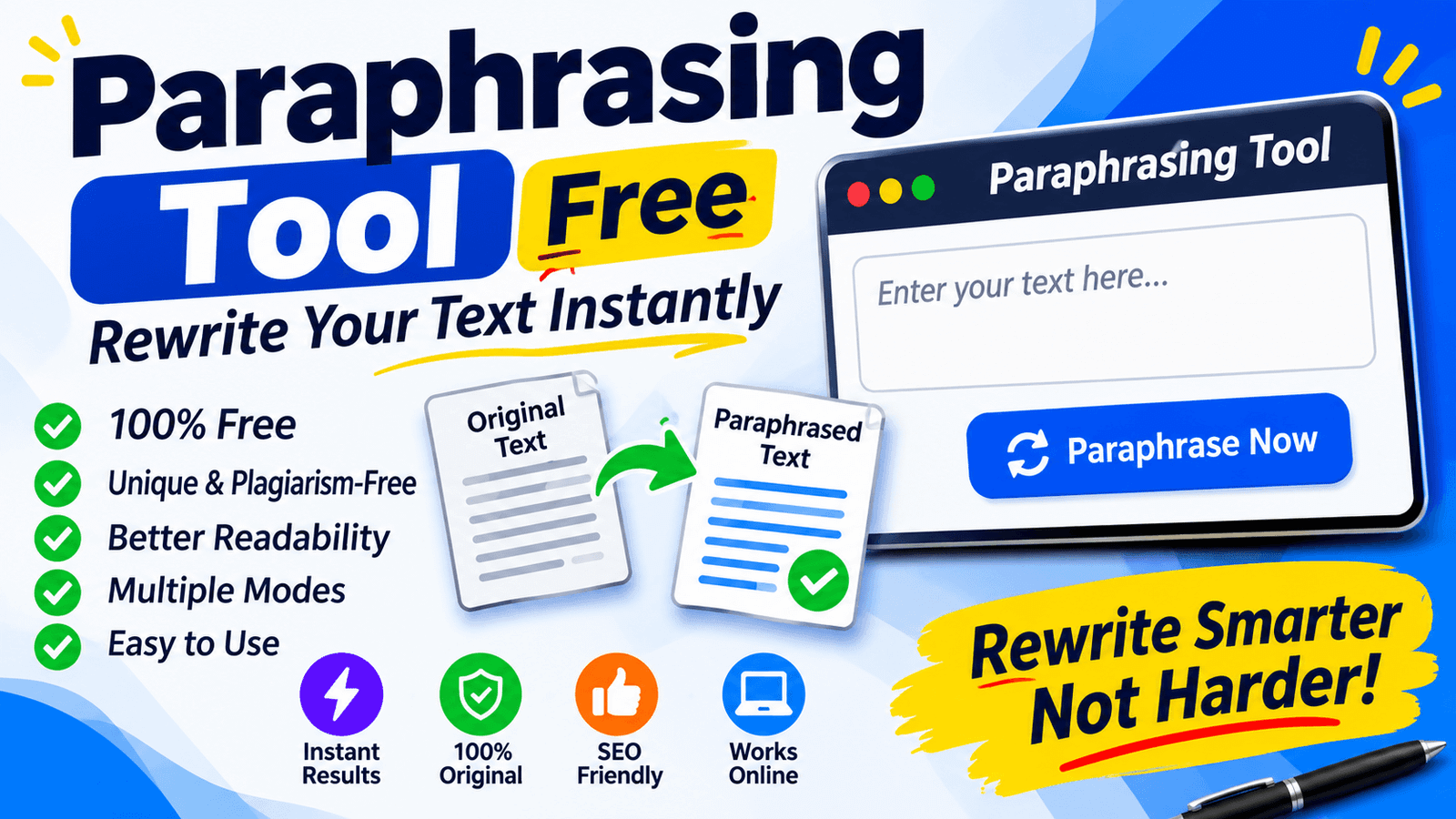
Many tools offer modes. A standard mode changes words and structure in a balanced way. A fluency mode fixes the flow and keeps changes small. A simple mode uses easier words, which is useful for a wide audience. A formal mode gives a more serious tone, good for reports. A creative mode changes more and can sound fresh, but it can also drift from the original meaning. Some tools also let you set how much to change, so test a few and compare.
Limits of Automatic Rewriting
No tool understands your idea the way you do. A paraphrasing tool may change the meaning by accident, pick a word that sounds odd, or make a sentence longer than before. It can struggle with special terms, names, numbers, and technical words. It also cannot check facts, so a wrong claim stays wrong after rewriting. Always compare the new text with the original and fix any change in meaning. Treat the result as a draft that needs your eyes and your voice.
Free vs Paid Options
Free tools are good for short text and quick tasks. They often come with word limits, ads, and fewer modes. Paid tools usually allow longer text, more modes, better quality, and extra features like grammar checks and saved history. If you rewrite a few sentences now and then, a paraphrasing tool free of cost is often enough. If you work with large documents every day, a paid plan may be worth it. Try a free version first and upgrade only if you hit its limits.
Paraphrasing and Plagiarism
Changing words does not remove the need to give credit. If the idea comes from another person, you must still cite the source, even when your sentence looks new. Some schools and clients also have rules about software that rewrites text, so ask before you use one. Heavy rewriting of someone else’s work, with only small changes, can still count as copying. A paraphrasing tool can help you find new wording, but it can never replace honest research and clear citations.
How to Paraphrase by Hand
The best skill is to do it yourself. Read the passage until you understand it. Close the page and write the idea from memory in your own words. Then compare it with the original to check the meaning and to make sure the wording and structure are different. Add a citation if the idea came from a source. Doing this a few times will make you faster, and then a tool becomes only a second opinion instead of a crutch.
Paraphrasing and SEO
Search engines want pages that bring something useful and new. If you only rewrite other pages with a tool, your page may add little value and could struggle to rank. The better way is to use the tool for small fixes, like smoother sentences, and then add your own facts, examples, and experience. A paraphrasing tool is best seen as an editing helper and not a content factory. Pages that help real readers are the ones that last in search.
Privacy and Safety
Before you paste text, think about where it goes. Some tools may store what you enter. For private documents, client work, unpublished research, or personal letters, this can be risky. Read the privacy page and avoid pasting secret or personal data. Choose a tool that clearly says it does not save or share your text. When in doubt, paraphrase only the less sensitive parts, or do it by hand.
Common Mistakes
The first mistake is pasting a whole article and trusting the result without reading it. The second is forgetting to cite the original source. The third is choosing a creative mode and not checking if the meaning stayed the same. The fourth is ignoring your own voice, which makes all the text sound alike. The fifth is pasting private text into any website. Avoiding these mistakes will make your paraphrasing tool habit safer, faster, and much more useful.
Tips for Better Results
Work with one paragraph at a time. Keep key terms, names, and numbers as they are. Try two or three modes and compare the options. Mix your own edits with the suggestions, so the final text sounds like you. Read the result out loud and fix any stiff lines. Run a grammar check at the end. If the tool changes the meaning, go back and rewrite that part by hand. Small, careful steps give much better text than one big click.
Checklist Before You Publish
Before you publish or submit, go through a short list. Did you use a paraphrasing tool only as a helper and edit the result yourself? Does the new text keep the original meaning? Are facts, names, and numbers still correct? Did you add a citation where an idea came from a source? Does the text sound like you? Did you read it out loud? If you can say yes to each question, your work is ready, and you can send it with confidence.
Final Thoughts
Rewriting is a skill, and a good tool can make it easier and faster. But real quality comes from understanding the idea, using your own voice, and giving credit when it is due. Use the tool as a partner, not a shortcut, and your writing will stay clear, honest, and useful.
2 thoughts on “Paraphrasing Tool: A Simple Guide to Rewriting Text the Smart Way”