Introduction
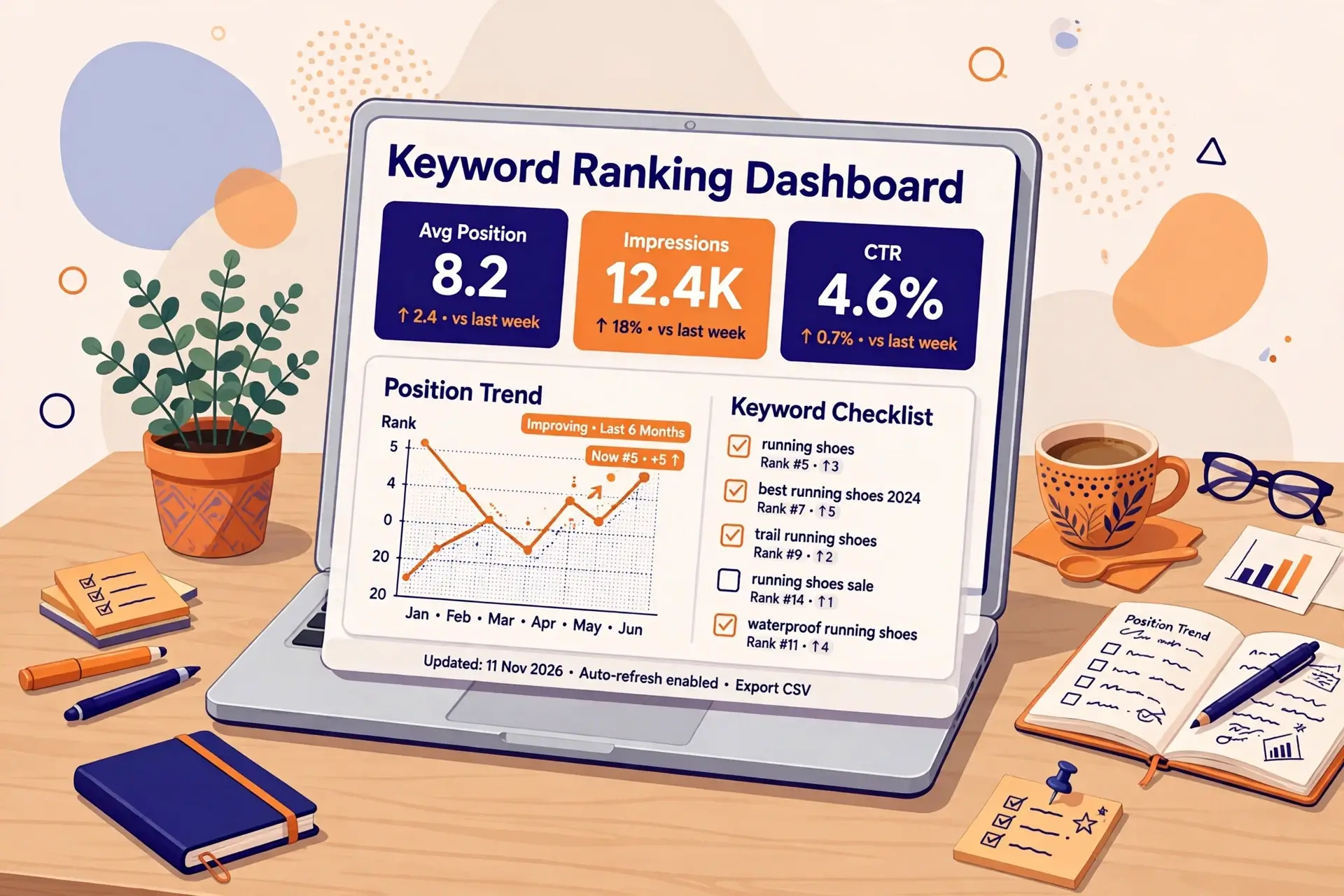
You published a page, it started ranking, and then… nothing. No clicks, no traffic, no idea where it actually sits on Google. That is the problem with not tracking your rankings: you cannot improve what you do not measure. monitor keyword position means checking where your pages rank on Google for the keywords you care about, and watching how those positions move over time.
A page at position 12 gets almost no clicks. The same page at position 3 can bring steady traffic every day. The difference between the two is often a few small fixes, but you will never know which pages need those fixes unless you track them.
The good news is that you can start for free, in about ten minutes, with a tool Google gives you. This guide shows you how.
What Does “Keyword Position” Actually Mean?
Your keyword position is where your page appears in the search results for a specific search query. Position 1 is the very top result. Positions 1 to 10 make up page 1. Position 11 is the top of page 2, and almost nobody clicks there.
One detail confuses almost everyone at first: the number Google Search Console shows is an average position, not a single fixed rank. Every time someone searches and your page appears, Google records the top position your link held on that results page, then averages those values. If your page showed at position 4 for one search, position 9 for another, and position 6 for a third, your average position is 6.3.
That average also blends different locations, devices, and signed-in and signed-out searches. So the number in Search Console will rarely match exactly what you see when you search the keyword yourself. Both numbers are real. Search Console shows the average across everyone. Your own search shows one sample.
Here is a real example from this site. Our post on the keyword frequency counter sat at an average position of 19.2. After we added internal links pointing to it from related posts, it moved to 11.8, close to page 1. We only knew that happened because we were tracking the position. Without tracking, that improvement would have been invisible.
Why You Should Monitor Your Keyword Positions

Tracking positions is not about watching numbers for fun. It tells you exactly where to spend your effort.
1. You find keywords close to page 1. Positions 11 to 20 are your best opportunities. A page at position 12 is one good push away from page 1, where the clicks actually are. Pages at position 80 need far more work for the same reward.
2. You catch drops early. A page slipping from position 5 to position 15 loses most of its clicks. If you check weekly, you catch the slide in days. If you never check, you find out months later when traffic is already gone.
3. You prove what works. Did those new internal links help? Did updating the content help? Position changes over the following weeks give you the answer. Without a baseline, every change is a guess.
4. You stop guessing and start deciding from data. Instead of rewriting random pages, you work on the pages that are closest to ranking, or the ones that just dropped. That is a far better use of your time.
Method 1: Google Search Console (Free, and the Best Place to Start)
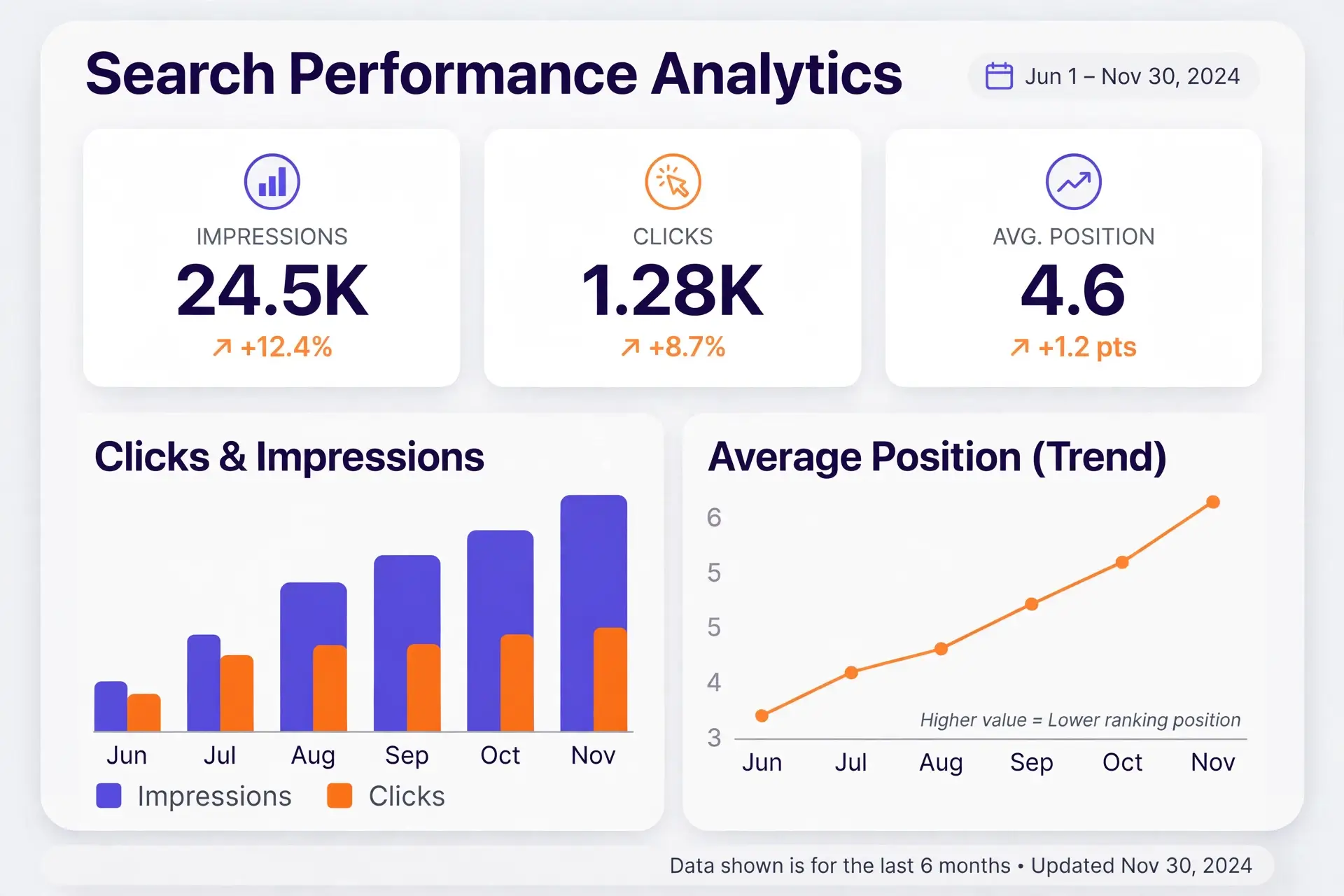
Google Search Console is free, and it shows the actual searches your site appeared in, with clicks, impressions, and average position, all from Google’s own data. For most small sites, it is all you need.
Here is how to check a keyword position in it, step by step:
- Open the Performance report. In Search Console, choose your site, then go to Performance and Search results.
- Turn on Average position. Click the Average position box above the chart. Turn on Clicks and Impressions too, because position alone can mislead you. A keyword at position 3 with 10 impressions matters less than one at position 12 with 1,000 impressions.
- Set a date range. The last 28 days or the last 3 months are good starting points. Note that the newest data is usually 2 to 3 days behind, so do not judge the last two days of a chart.
- Open the Queries tab. The table below the chart lists every search query your site appeared for, with clicks, impressions, click-through rate, and position for each one.
- Click a query to see its page. Clicking a query filters the whole report to that query. Then open the Pages tab to see which URL Google is ranking for it.
- Filter by country and device. An average mixed across countries and devices can hide a weak mobile ranking. Add a Country filter and a Device filter for the market you care about.
- Compare two periods. Use Date, then Compare, for example the last 28 days against the 28 days before. The table shows both positions side by side, so you can see what moved and by how much.
Search Console has limits worth knowing. It keeps 16 months of data, the table shows at most 1,000 rows, it only knows about queries where you already appear, and it sends no alerts when a ranking drops. For a free tool built on real search data, those are fair limits.
If you want a quick win from this report, filter the Queries table to positions 11 to 20, then sort those by impressions. Those are the keywords closest to page 1 with real search demand behind them.
Method 2: Search Google Yourself (and Why It Misleads)
The simplest method is also the least reliable: type the keyword into Google and look for your page. It feels direct, but your own search is a sample of one. Results change with your location, your device, your search history, and whether you are signed in. Even a private or incognito window does not remove the location effect.
Manual searching is fine for one quick sanity check, like confirming whether a page made it to page 1 at all. It is a poor way to track positions over time, because you cannot tell whether a move from position 8 to position 11 is real or just your location and history changing the results.
One warning: do not set up a script or tool that scrapes Google results to check ranks for you. Google’s spam policies treat scraping results for rank-checking as machine-generated traffic that violates its policies and terms of service. Use Search Console or a proper rank tracker instead.
Method 3: A Simple Spreadsheet Tracker
Search Console has no saved keyword list, so the simplest real tracking system is a spreadsheet. It takes five minutes to set up and it is how many small sites track rankings for years.
Make a sheet with these columns: keyword, page URL, position, clicks, impressions, and date. Then pick 10 to 20 keywords that actually matter to your site. These are usually your primary keywords and the pages that already bring traffic or sales. Do not track 500 keywords. You will drown in data and never look at it.
Once a week, open Search Console, filter to your list, and record each position with the date. Add a short note when you change something, like “added 3 internal links” or “updated the intro.” Over a few weeks, a trend line appears, and you can see which changes helped and which did nothing.
The key rule is consistency. Check on the same weekday, from the same source, with the same filters. A trend over 4 to 8 weeks tells you far more than any single number on any single day.
Method 4: Paid Rank Trackers (When They Are Worth It)
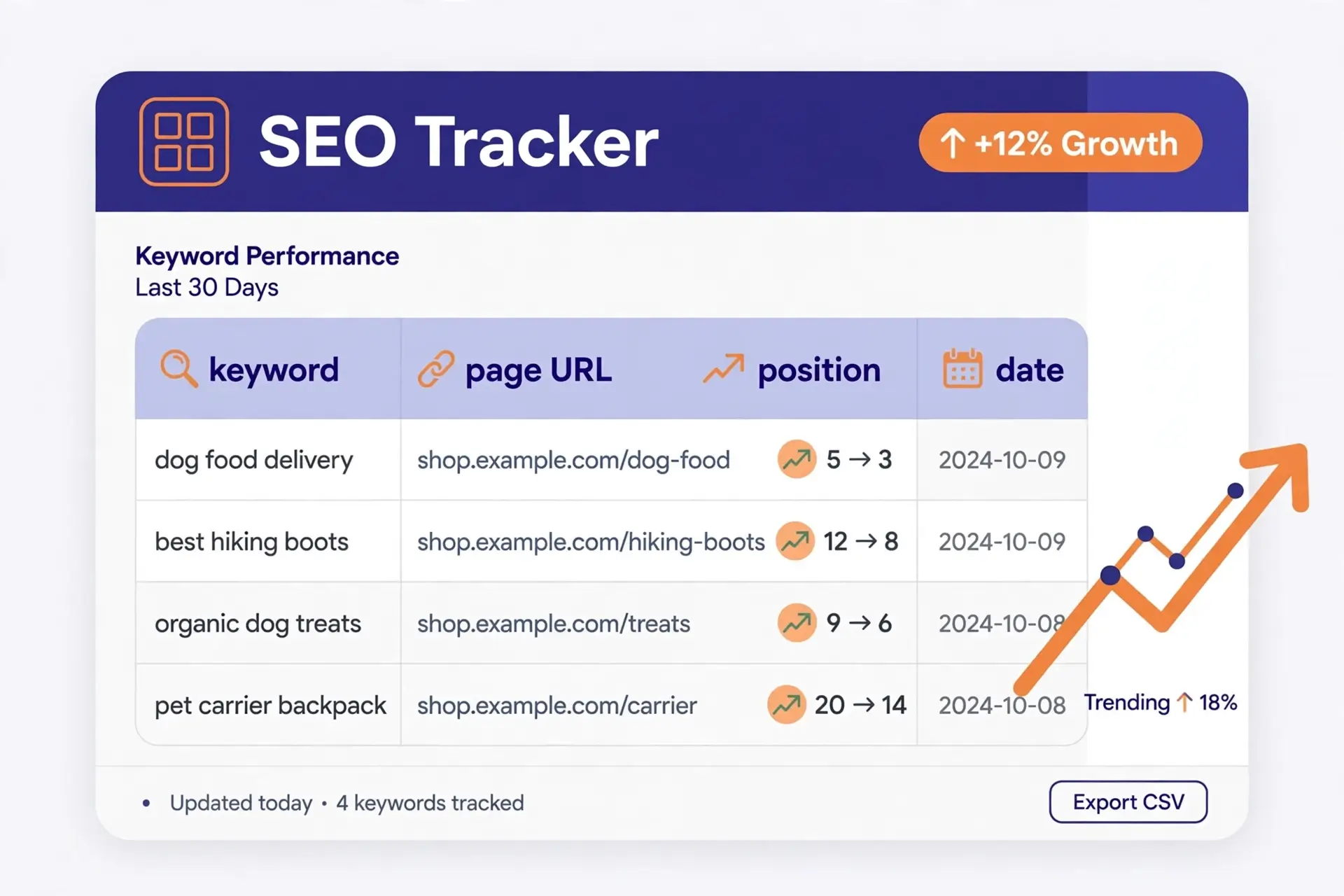
A paid rank tracker checks a list of keywords you choose, from a location and device you choose, on a schedule, and records the exact position each time. Most also track competitors, watch for SERP features like featured snippets, and send alerts when a ranking moves sharply. Well-known options include Ahrefs, Semrush, SE Ranking, AccuRanker, and Moz Pro.
A tracker earns its cost when you need things Search Console cannot give you: positions for keywords you do not rank for yet, exact positions in a specific town or city, daily checks across hundreds of keywords, or reports for clients. It is also useful when you want an alert the moment an important page drops.
For a small site with a handful of important keywords, a paid tracker is usually unnecessary. Search Console plus a weekly spreadsheet gives you the same decisions for free. Start free, and only pay when you can name a specific question the free tools cannot answer.
How Often Should You Check Your Rankings?
Weekly is the sweet spot for most sites. Daily data is useful for collecting history and catching sudden losses, but daily decisions are a mistake. Google itself says small position fluctuations happen at any time, and its guide to traffic drops advises against radical changes when a page is already performing well.
| Keyword type | How often to check | Why |
|---|---|---|
| Money and brand-critical keywords | Daily, for alerts only | A drop here hurts fast, so you want to know the same week |
| Standard content keywords | Weekly | Enough signal without daily noise |
| Long-tail and low-volume keywords | Every 2 weeks | They move slowly and rarely surprise you |
| Newly published or rewritten pages | Weekly for the first 4 to 6 weeks | Early movement tells you if the page is taking off |
| Reporting and planning | Monthly | Compare equal periods, and the same month last year for seasonal topics |
Think of it this way: collect data often, review it weekly, and make decisions on four-week or longer comparisons. Rankings for a new page take months to settle, so judge a campaign on the trend over 8 to 12 weeks, not on one day’s number.
What to Do When a Ranking Drops
First, do not panic over a move of one or two positions on a single day. That is normal fluctuation. Investigate when a keyword drops more than 5 positions, or keeps sliding for two or three weeks.
When a real drop happens, work through this checklist:
- Is the page still indexed? Check it in Search Console. A page that dropped out of the index cannot rank at all.
- Did anything change on the page? A redesign, a deleted section, or a broken element can all hurt a ranking.
- Did a competitor publish something better? Search the keyword and look at what now outranks you. Often the answer is a fresher or more complete page.
- Did search intent change? Sometimes Google starts showing a different kind of result for a query, like videos or product pages, and a plain article no longer fits.
- Is a Google update rolling out? During a core update, rankings swing for a week or two. Wait for the rollout to finish before making big changes.
- Are two of your pages competing? If two pages on your site target the same keyword, they can split the ranking. This is called keyword cannibalization, and fixing it usually means merging or redirecting one of them.
Most drops are fixed by the basics: refresh the content, add internal links from related posts, make sure the page loads fast, and run an SEO audit report to catch technical problems. Then give it two to four weeks and check again.
What to Do When a Ranking Rises
A rising keyword deserves attention too, because a small push now can lock in a much better position.
First, strengthen it with internal links. Link to the rising page from your related posts, using the keyword or a close variation as the anchor text. This is exactly how our keyword frequency counter post moved from 19.2 to 11.8.
Second, keep the content fresh and complete. A page that just gained a position is one Google is testing. Adding a useful section, a table, or a clear example can help it hold the new spot.
Third, check the basics of on-page SEO. Is the keyword in the title and the first paragraph? That is keyword placement, and combined with strong keyword prominence, it tells Google clearly what the page is about. A quick check of your word density can also confirm you are using the keyword enough, without stuffing it.
Pay special attention to keywords sitting at positions 11 to 20. These are your fastest wins. One round of internal links and a content refresh can move them onto page 1, where the clicks are.
Free vs Paid Methods at a Glance
| Method | Cost | Best for | Limitation |
|---|---|---|---|
| Google Search Console | Free | Real data on every query you rank for | Average position only, 2 to 3 day delay, no alerts |
| Manual Google search | Free | A quick sanity check | Personalized results, a sample of one |
| Spreadsheet plus Search Console | Free | Tracking your top 10 to 20 keywords over time | Manual work every week |
| Paid rank tracker | Monthly fee | Scheduled checks, exact locations, competitors, alerts | Cost grows with the number of keywords |
FAQs About Monitoring Keyword Position
Can I monitor keyword position for free?
Yes. Google Search Console is free and shows the average position, clicks, and impressions for every query your site appears for. Pair it with a simple spreadsheet and you have a complete tracking system without paying anything. Bing Webmaster Tools offers similar free data for Bing.
How accurate is the average position in Search Console?
It is accurate as an average, but it is not the exact position any one searcher sees. It blends every location, device, and signed-in or signed-out search where your page appeared. For tracking trends, that average is actually more useful than a single live check, because it smooths out one-off variations.
Why does my keyword position change every day?
Small daily movement is normal. Google personalizes results by location, device, and search history, competitors publish and update pages, and Google tests different results. Judge the trend over weeks, not the number on any single day.
What is a good keyword position?
Anything in the top 10, which is page 1, is good, and the top 3 get the most clicks by far. But the most valuable positions to watch are 11 to 20. Those pages are close enough that a little work can move them onto page 1.
How long does it take to improve a keyword position?
Usually weeks to months. Small moves, like adding internal links, can show in two to four weeks. For competitive keywords, expect 3 to 6 months before meaningful movement. New pages need time to settle, so do not judge them in the first few weeks.
Do I need to track every keyword my site ranks for?
No. Track the 10 to 20 keywords that matter most: your primary keywords, the pages that bring traffic, and any term tied to sales or signups. The rest you can check in Search Console whenever you want a broader look. If you are still picking which keywords to target, read our guide on how to choose a primary keyword and our explanation of keyword difficulty first.
Start Tracking This Week
Monitoring your keyword position is not complicated, and it does not need to cost anything. Open Google Search Console, turn on average position, look at the Queries tab, and write down where your top 10 to 20 keywords stand today. That list is your baseline.
Then check again next week, on the same day. When a keyword climbs into positions 11 to 20, give it a push with internal links and a content refresh. When one drops more than 5 positions, work through the checklist above. Over a few months, those small weekly decisions add up to real traffic.
And before you write your next post, make sure the keyword itself is worth targeting. Check its difficulty, place it well in your title and first paragraph, and keep your keyword density natural. Good tracking plus good targeting is how a small site climbs, one position at a time.
1 thought on “How to Monitor Keyword Position: Track Your Rankings the Easy Way”