Single words tell only part of the story. The phrases you use, like “wifi speakers” or “cloud audio streaming,” show what your page is really about. But counting phrases by eye is hard, especially in a long article. A phrase counter online solves this by scanning your text and showing which phrases appear, and how many times. In this guide, you will learn how it works, how to use it, and how to avoid mistakes, all in simple words that anyone can follow.
What Is a Phrase Counter Online?
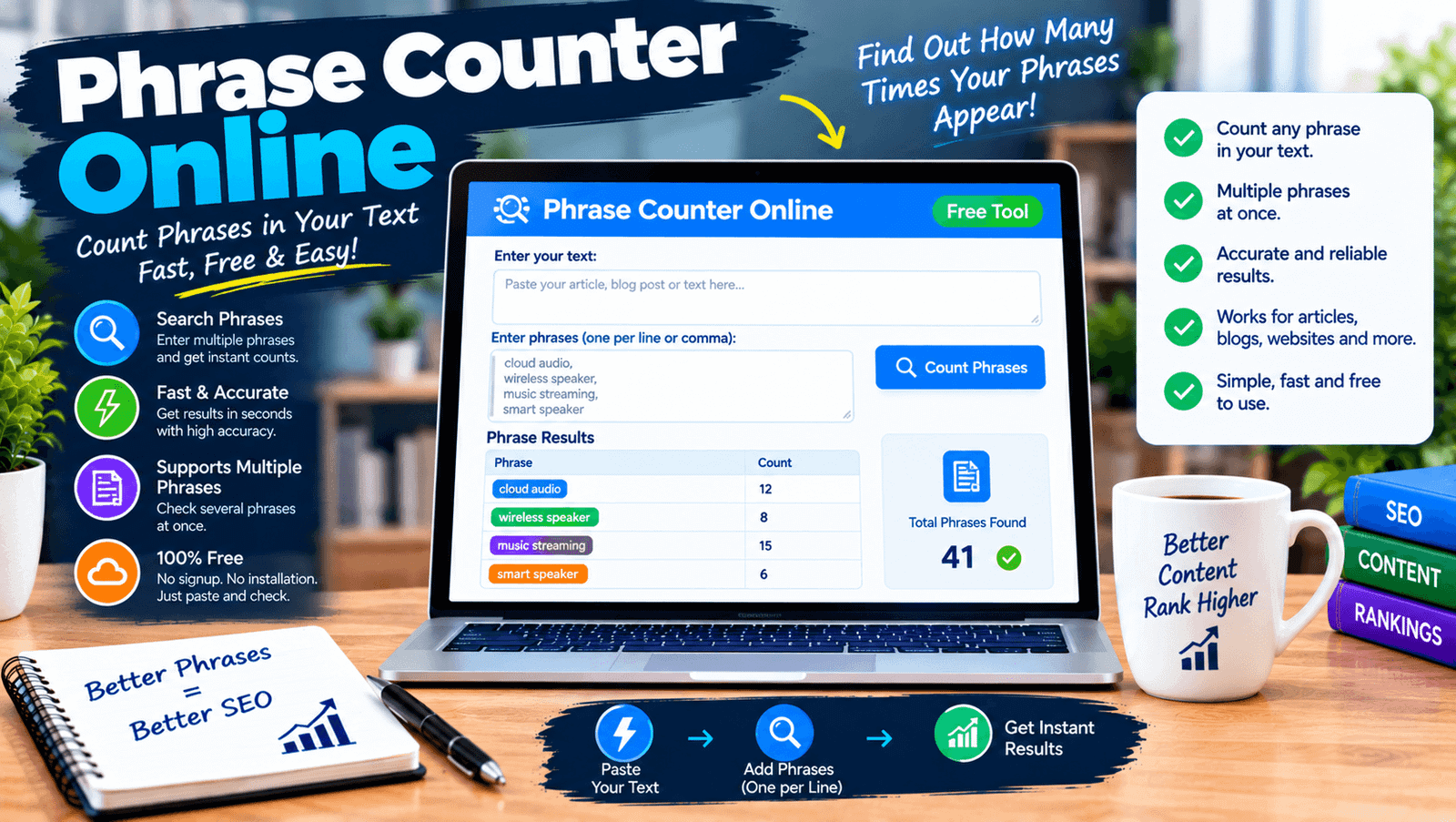
A phrase counter online is a free web tool that counts how many times a word group appears in your text. You can type a phrase you want to check, or let the tool list the phrases that appear most often. It usually shows the number of matches, and some tools show the sentences where they appear. Because it runs in your browser and needs no download, you can use it on any device in just a few seconds.
Phrase Counting vs Word Counting
Counting words is simple: each word is checked on its own. Phrase counting is different, because the words must appear together and in the same order. For example, the words “cloud” and “audio” may each appear many times in your text, but the phrase “cloud audio” may appear only a few times. Phrases show topics and meaning better than single words do, which is why writers and editors often check both numbers when they review a draft.
How a Phrase Counter Online Works
The tool first splits your text into words. Then it looks for the exact order of words in your phrase and counts every match. A good phrase counter online ignores capital letters by default, so “Cloud Audio” and “cloud audio” match. It usually treats punctuation between words as a break, so a comma or period can stop a match. Matches do not overlap, which means each word is counted in only one match of the same phrase.
Why Use a Phrase Counter Online
Phrases are where your message lives. A reader looking for “best wifi speakers” expects to see that idea clearly in your page. Checking phrases helps you confirm your topic is clear, find repeated wording, and keep your text fresh. It also saves time, because reading a long article again and again to find repeated phrases is slow and tiring. A quick count gives you facts, and facts lead to better edits.
Finding Repeated Phrases in Your Writing
Most writers have favorite phrases that creep into every article, like “in this guide” or “it is important to.” These repeat without notice. A phrase counter online that lists common phrases shows them clearly. Look at the top of the list and ask whether each phrase is needed. Replace some with new wording, or remove them if they add nothing. This simple step makes your writing feel fresher and more careful, and readers will enjoy it more.
Two-Word, Three-Word, and Longer Phrases
Phrases come in different sizes. Two-word phrases, like “smart speakers,” show basic topics. Three-word phrases, like “multi room audio,” show more detail. Longer phrases, like “how to stream music,” often match real questions people ask. Many tools let you choose the phrase length for common phrase lists. Check different sizes, because each one shows something new. If your main phrase never appears, or appears in almost every sentence, you can fix that with small edits.
Exact Phrases vs Close Variations
Most tools count exact matches only. That means “wifi speaker” and “wifi speakers” are counted as different phrases, and a different word order is not matched at all. This is normal, and it is why you should check close variations of your main phrase. Add each form you plan to use, then compare the counts. If you only count the exact form, you may think your phrase is used less than it really is, or you may miss useful variations that read naturally.
Features of a Good Phrase Counter Online
A good tool is simple and clear. Look for phrase length options, a table sorted by count, and a way to check your own phrases. Case matching options give control. A stop word filter helps remove filler words. Seeing matching sentences helps you review context. Copy and export options help when you work with a team. And fast results on long text matter. A clean page without forced signup is a bonus that makes you return.
How to Use a Phrase Counter Online Step by Step
The steps are easy. First, finish your draft. Second, paste the text into the tool. Third, type the phrase you want to check, or choose the option to list common phrases. Fourth, choose your settings, like ignoring case. Fifth, run the check. Sixth, read the counts and the sentences. Last, edit and check again. Using a phrase counter online after writing, instead of during, keeps your first draft natural and your ideas flowing.
How to Read Your Results
Start with the top phrases and see if they match your topic. If your main phrase is missing, add it where it fits, such as the title or an early paragraph. If a phrase repeats too often, read its sentences out loud. If it sounds forced, rewrite some of them. Do not chase one number, since the right count depends on text length and topic. The goal is clear, natural writing that matches what your readers want to find.
Phrase Counter Online for SEO Writers
For web writers, phrases matter because people search in phrases. You can use a phrase counter online to confirm that your main phrase appears in your title, headings, and body without feeling forced. Check related phrases too, so your page covers the topic well. You can also run the text of top pages through the same tool and note which phrases they use, then cover the useful ones in your own words. Never copy their numbers or sentences.
For Students and Teachers
Students can check whether an essay stays focused on its main idea by counting key phrases. They can also find repeated phrases that make writing dull. Teachers can use phrase counts to spot repeated wording and to guide students toward better variety. The tool does not judge ideas or quality, but it points to places that need a second look, which makes revision faster and less stressful for everyone.
For Editors and Content Teams
Editors review many articles from many writers. A phrase tool gives the same simple numbers every time, so feedback is fair and clear. Teams can set a keyword brief with minimum and maximum mentions for each phrase and check drafts against it. It also helps keep brand phrases consistent across pages, and it finds overused slogans. Use it as a quick quality check, and then let human judgment decide the final edit.
Common Mistakes to Avoid
Some people check only one version of a phrase and miss plurals or small changes. Others paste text with menus or footers, which adds repeated phrases that are not part of the writing. Some forget that punctuation can break a match. A few chase a perfect count from another website and change good writing to match it. Using a phrase counter online well means reading results with care, and always putting the reader first.
Tips for Better Results
Clean your text before pasting. Use the same settings each time so your results are comparable. Test the tool with a short sample you can count by hand. Check both exact phrases and variations. Keep a simple record of counts for each article. And read your text out loud after editing. These small habits make any phrase counter online more helpful, and they keep your writing natural and easy to read.
Privacy and Safety
If you check unpublished or private work, think about where your text goes. Some online tools send text to a server, while others work only inside your browser. Look for a clear privacy note that says the tool does not store your text. You can also watch your browser’s network activity while testing. A trustworthy phrase counter online is open about how it handles your content.
Free vs Paid Phrase Tools
Free tools are enough for most people. They count phrases, show tables, and filter stop words. Paid tools add research data such as search volume and competition, which is a different job. If you want to review your own writing, a free phrase counter online is the right choice. If you want keyword ideas, use a research tool too. Pay only for what you will use, and test free options first.
Limits of Phrase Counting
A phrase count shows what is in your text, not how it will rank. It does not understand meaning, so synonyms are not grouped. It cannot tell you if your writing is correct, helpful, or original. It also cannot show search volume or competition. Use the numbers as clues, then rely on your own reading and on real reader feedback. The tool helps you edit, but you are still the writer.
Final Thoughts on the Phrase Counter Online
Phrases carry the meaning of your writing, and a phrase counter online helps you see them clearly. Use it after writing, check exact phrases and variations, and read the matching sentences. Fix repeated wording, keep your main phrase natural, and trust your ears more than any number. With a little care, you will write pages that are clear to readers and easier for search engines to understand.