How to Count Keywords in Text: 6 Easy Methods Anyone Can Use
Maybe you just finished a blog post, an essay, or a product page, and you want to know how many times a certain word appears. Counting by eye is slow and not very accurate. The good news is that you can Count Keywords in Text in many easy ways, and most of them are free. In this guide, you will learn six simple methods, from online tools to Word, Google Docs, Excel, and a few lines of code. Everything is explained in plain words, with no special skills needed.
Why Count Keywords in Text?
People count keywords for many reasons. Writers want to make sure their main topic word appears often enough, and not too often. Students check essays for repeated words. Editors compare a draft with a keyword brief that lists minimum and maximum mentions. Website owners review old posts before updating them. Knowing how to count keywords in text gives you real numbers instead of guesses, and it helps you improve your writing with small, careful changes.
What Counts as a Keyword?
A keyword is the word or phrase that best describes what your text is about, or what people might type into a search box to find it. It can be one word, like “speakers,” or a phrase, like “wifi speakers for home.” You can have a main keyword and several related ones. Before you count, write down the exact words and phrases you want to check, so you know what you are looking for and do not miss different forms.
Method 1: Use an Online Tool to Count Keywords in Text
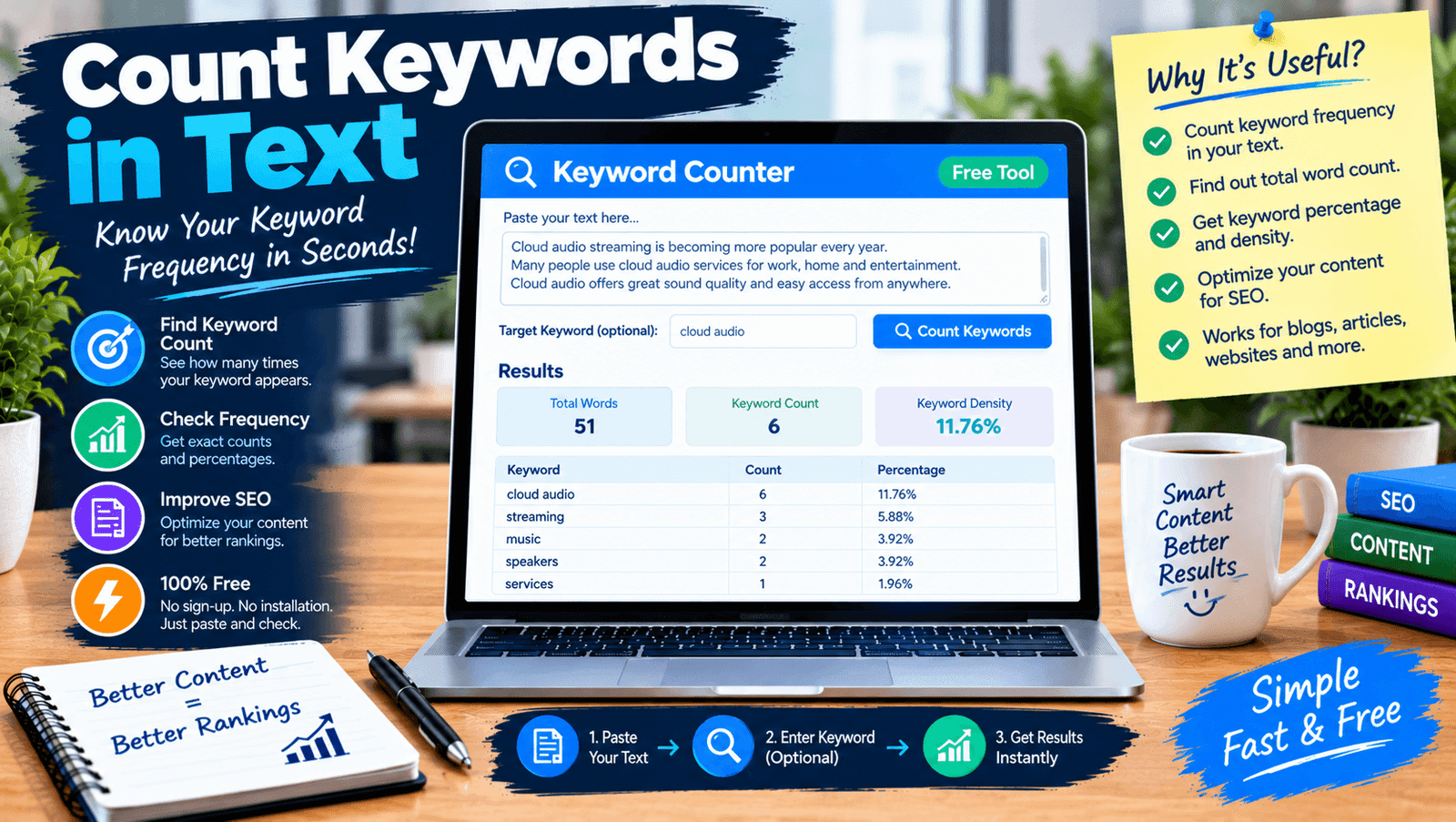
This is the easiest way. Search for a free keyword counter or keyword density checker, open it, and paste your text. Type your keyword, press the check button, and read the result. Most tools show the count, the total words, and the density, and some highlight each match. Choose one that explains how it counts words, and, if you work with private text, one that says it does not store your content. It takes less than a minute.
Method 2: Use Ctrl+F in Your Browser or Editor
Almost every program has a find feature. Press Ctrl+F on Windows or Command+F on a Mac, type your keyword, and the program shows how many matches it found. In many browsers and editors, you will see a number like “1 of 14.” It is fast and needs no extra tools, so it is a great way to count keywords in text on a web page or a document you have open. Remember that this method may count partial matches too.
Method 3: Microsoft Word
Open your document and press Ctrl+F to open the Navigation pane. Type your keyword, and Word shows the number of results and highlights each match. For more control, use Find and Replace, and open the options to match case or find whole words only. This is a handy way to count keywords in text inside a long report or essay, because you can jump from match to match and read each sentence.
Method 4: Count Keywords in Text in Google Docs
In Google Docs, press Ctrl+F, type your keyword, and a small box shows how many matches there are, such as 1 of 9. You can also open Find and Replace to see options for matching case. Docs is great if you work with a team, because everyone sees the same text. Like other basic find tools, it may count a keyword inside a longer word, so read the highlighted matches before you trust the number.
Method 5: Use Excel or Google Sheets
If your text is in a spreadsheet cell, you can use a formula. A common trick is to subtract the length of the text without your keyword from the original length, then divide by the length of your keyword. This counts every match, including partial ones, and you can use it on many cells at once. Spreadsheets are useful when you have lots of short texts, like product descriptions, and want to count keywords in text for each one.
Method 6: Use a Few Lines of Code
If you like coding, even a very small script can count words. In Python, you can make the text lowercase and use a simple count function on your keyword. You can also split the text into words and count each one to build a full frequency list. This gives you full control over rules, such as ignoring punctuation or counting only whole words. It is a strong way to count keywords in text across large files, and it is easy to repeat many times.
Whole Word vs Partial Matches
This choice changes your result a lot. A whole-word match counts a keyword only when it stands alone, so “art” is not counted in “article.” A partial match counts it anywhere, so “art” is found in “article,” “smart,” and “start.” Basic find tools and simple formulas usually use partial matching. Good online tools let you choose. When you count keywords in text, pick the mode that matches how readers see words, which is usually whole-word.
How to Count Keywords in Text When They Are Phrases
Phrases need extra care. A phrase matches only when all words appear in order, with only spaces between them. A comma or a period between the words can break the match, and “speaker” and “speakers” are different words for most tools. Check the exact phrase and a few close variations to get the whole picture. If a phrase is very long, test a shorter version too, because small changes in wording can change the count.
Capital Letters and Punctuation
Most tools ignore case by default, so “Audio” and “audio” count the same. Some let you turn on exact case if you need it. Punctuation around a word, like quotes or a comma, usually does not change the count. Hyphens can be tricky, because some tools treat “multi-room” as one word and others split it. Read the tool’s rules or test with a short sample before you trust the numbers for an important piece.
Counting Many Keywords at Once
Often you need to check several keywords together, such as your main keyword and its close variations. Many online tools let you enter a list separated by commas or new lines, and show a table with each count. A spreadsheet can do the same with one formula per keyword. Checking many keywords at once is a smart way to count keywords in text for a full keyword brief, because you see all the numbers in one view and can compare them quickly.
What to Do After You Count Keywords in Text
The count is only the start. Look at where your main keyword appears: the title, an early paragraph, headings, and the summary are good places. Read the sentences around each match to see if they sound natural. If the keyword is missing, add it where it truly fits. If it appears too often, rewrite some sentences with synonyms or related words. Then count again to check your changes. Small edits, followed by a new check, work better than big changes.
How Many Times Should a Keyword Appear?
There is no official perfect number, and Google does not give a target. A good rule is to use your keyword naturally and let the topic decide. A short article may use it a few times, and a long guide may use it more. Read your text out loud. If it sounds forced, you probably repeated it too much. When you count keywords in text, treat the result as information about your draft, not as a score you must reach.
Common Mistakes to Avoid
One mistake is trusting a partial-match count without reading the matches. Another is forgetting to check plurals and other word forms. Some people count text that includes menus or footers, which changes the totals. Others copy a density number from another site and force their writing to match it. A few only check the main keyword and ignore related words. Careful reading beats blind trust, and it is the best way to count keywords in text without errors.
Tips for Accurate Results
Clean your text before counting. Remove page numbers, menus, and anything that is not part of your own writing. Use the same tool and settings each time, so your numbers can be compared. Test a tool with a short sample you can count by hand, to see how it treats punctuation and plurals. Keep a simple record of counts for each article. These small habits help you count keywords in text with confidence and save time later.
Keeping Your Text Private
If you check unpublished or client work, think about privacy. Some online tools send your text to a server, while others work inside your browser. Look for a clear privacy note. You can also use offline methods, like Word, Docs, or a spreadsheet, which keep your text on your own device or account. For very private work, offline methods are the safest choice, and they are free.
Final Thoughts on How to Count Keywords in Text
Counting keywords does not have to be hard. You can use a free tool, a find shortcut, a spreadsheet, or a short script, depending on your needs and your comfort. Choose the method that fits your task, check whether it counts whole words or partial matches, and read the results with your own eyes. When you count keywords in text with care, you get a clear view of your writing and can improve it step by step.