Introduction
How many times does your target keyword actually appear in your article? Most writers guess — and most guess wrong. A keyword frequency counter gives you the exact number in seconds: paste your text, and it tells you precisely how many times each word or phrase appears. In this guide, I will show you what a keyword frequency counter does, how to read its results, and how to use those numbers to keep your content natural and on-topic.
What Is a Keyword Frequency Counter?
A keyword frequency counter is a free online tool that scans a piece of text and counts how many times each word or phrase appears in it. You paste your article, enter the keywords you care about, and it instantly reports the occurrence count for each one — no manual counting, no Ctrl+F guessing.
Unlike a simple word counter (which only tells you the total length), a frequency counter breaks the text down term by term. It shows you which words dominate your writing and which ones barely show up at all. That breakdown is exactly what you need when you are optimizing an article around a target keyword.
Most good counters also do two extra things:
- Calculate density automatically — the count expressed as a percentage of total words.
- Show the context — the sentence around each match, so you can see whether each use reads naturally.
Keyword Frequency vs Keyword Density: What Is the Difference?

These two terms get mixed up all the time. The difference is simple:
| Keyword frequency | Keyword density | |
|---|---|---|
| What it is | The raw count — your keyword appears 12 times | The percentage — 12 times in 1,000 words = 1.2% |
| Answers | “How many times did I use it?” | “Is that too much or too little?” |
| Example | “coffee” appears 8 times in a 500-word article | 8 ÷ 500 × 100 = 1.6% density |
Frequency is the raw number; density puts that number in context. You need the frequency first — the density is just frequency divided by total words, times 100. A frequency counter gives you both, so you never have to do the math by hand.
Want the full story on the percentage side? Read our guide on what keyword density means.
How to Use a Keyword Frequency Counter (30 Seconds)
Using our free Keyword Count Checker takes less than a minute:
- Enter your keywords — type the words or phrases you want to track, separated by commas or new lines. You can check up to 50 keywords in one pass.
- Paste your text — drop in the full article, product description, or draft you want to analyze.
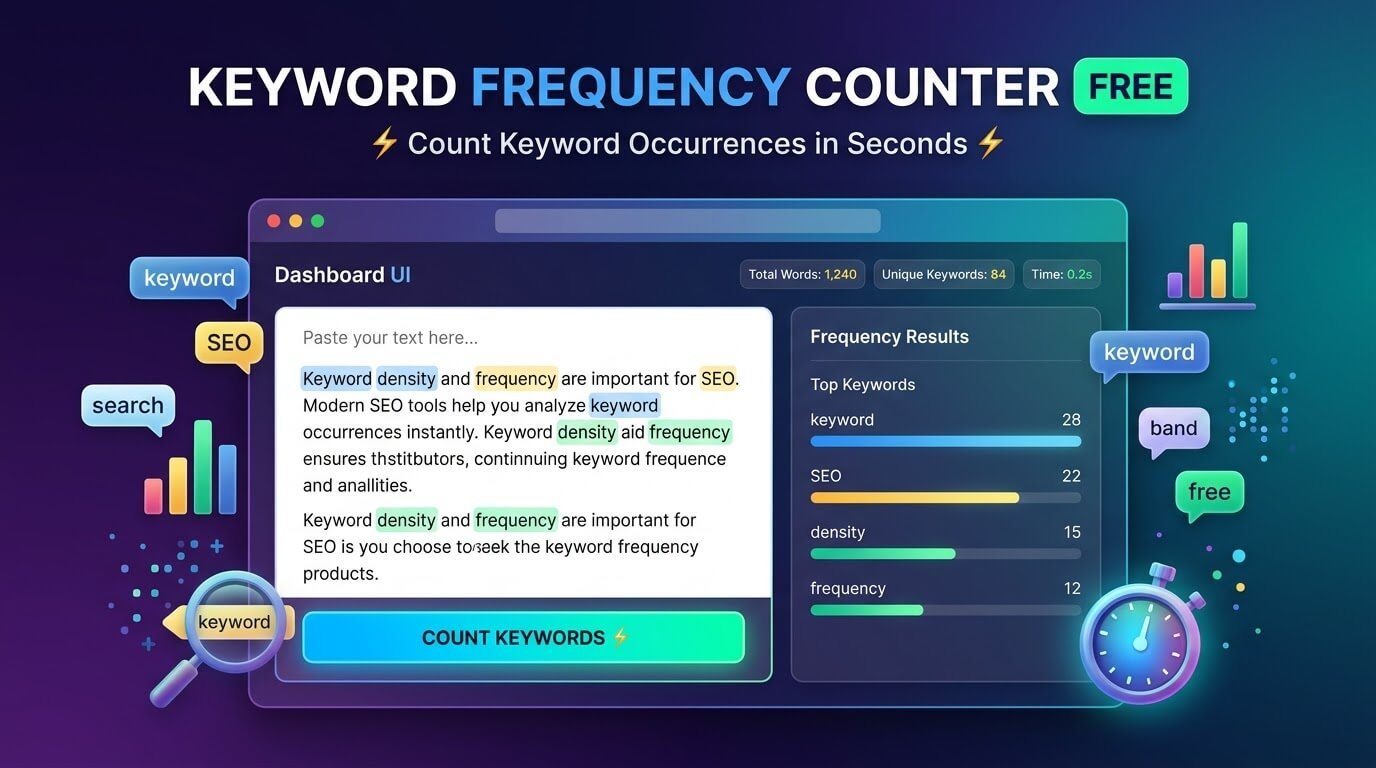
- Read the results — for each keyword, you get the exact occurrence count, its density percentage, and the sentence around every match.
Everything runs in your browser — your text is never sent anywhere, and there is no sign-up.
What the Results Tell You
Three numbers matter in a frequency report:
- Occurrence count. The headline number. If your target keyword appears 0 times, search engines may not connect your page to that topic. If it appears 40 times in 800 words, something is off.
- Density percentage. Count divided by total words, times 100. This is the number most SEO guides talk about — the widely used safe range is roughly 1% to 2%. Google has never published an official number, so treat any range as a guideline, not a rule.
- Match context. The sentence around each occurrence. This is the part people skip — but it is where you catch the awkward repetitions that numbers alone cannot show. Read a few matches out loud; if they sound forced, rewrite them.
How Many Times Should a Keyword Appear?
There is no magic number, but here are practical ranges that keep writing natural (based on roughly 0.5%–1.5% density, the range many SEO tools flag as healthy):
| Article length | Target keyword appearances | Why |
|---|---|---|
| 500 words | 3–8 times | Enough to establish the topic without repeating |
| 1,000 words | 5–15 times | Room for the keyword plus natural variations |
| 2,000 words | 10–30 times | Longer content earns more mentions — spread them out |
These are starting points, not targets to hit exactly. A 500-word article where the keyword appears 6 times naturally beats one where it appears 8 times awkwardly. When in doubt, write for the reader first and check the numbers after — then adjust. Our detailed guide on good keyword density breaks down each range with examples.
5 Checks a Frequency Counter Helps You Run
- Is my target keyword even there? A count of 0 or 1 in a long article means the page is not really about the keyword you think it is.
- Am I overusing filler words? The top of a frequency list often reveals words like “very”, “really”, or “just” eating up space. Trim them and the writing gets tighter.
- Did I accidentally stuff a keyword? If one term towers over everything else, replace repeats with pronouns (“it”, “this tool”) or synonyms.
- Are my variations covered? Check plurals and alternate phrasings separately — most counters match exact words, so “keyword counter” and “keyword counters” are two different entries.
- Is the keyword spread evenly? Matches clustered in one paragraph and absent elsewhere read as unnatural. The sentence-context view makes this easy to spot.
Why Not Just Use Ctrl+F?
Your browser’s find function can count matches, but it is a poor substitute for a real counter:
- One keyword at a time. Checking 10 keywords means 10 separate searches and manual tallying.
- No density math. Ctrl+F gives you a count, not a percentage — you still have to divide by total words yourself.
- Easy to miss matches. Case differences and plurals slip through, and it is tedious to verify each one in context.
- No overview. A counter shows every keyword’s count side by side, so overuse jumps out immediately.
For a one-off check Ctrl+F is fine. For content you publish regularly, a dedicated counter saves real time — and for a full on-page review, pair it with our free SEO audit report tool, which checks your title, meta description, and headings in the same pass.
FAQs
What does a keyword frequency counter do?
It scans your text and counts exactly how many times each word or phrase appears. Good counters also show each keyword’s density percentage and the sentence around every match.
Is a keyword frequency counter the same as a keyword density checker?
Almost — frequency is the raw count, density is that count as a percentage of total words. Most frequency counters show both numbers, so they work as density checkers too. For a deeper density analysis with sortable tables, try our word density checker tool.
How many times should my keyword appear in an article?
As a rough guide: 3–8 times in 500 words, 5–15 times in 1,000 words. Google publishes no official number — write naturally first, then check the count and trim anything that sounds forced.
Can I check multiple keywords at once?
Yes. Our counter accepts up to 50 keywords or phrases in a single pass — just separate them with commas or line breaks.
Does counting keyword frequency help SEO?
Indirectly. Google does not rank pages by frequency numbers, but the count reveals real problems: a missing target keyword, accidental stuffing, or filler words weakening your content. Fixing those genuinely helps.
Do plurals and variations count separately?
Yes — most counters match exact words, so “counter” and “counters” are counted as two different terms. Enter each variation you care about to get the full picture.
The Bottom Line
A keyword frequency counter answers one simple question — how many times does each keyword appear? — and that answer tells you whether your content is focused, natural, and on-topic. Paste your draft into our free Keyword Count Checker, check up to 50 keywords in seconds, and publish knowing every term sits exactly where it should.