Introduction
We live in a world full of long articles, reports, emails, and study notes, and nobody has time to read everything. That is where a text summarizer helps. It reads a long piece of writing and gives you the main points in a much shorter form. In this guide, you will learn what a text summarizer is, how it works, and how to get good results from it, all in simple words, so you can save time without missing what matters.
What Is a Text Summarizer?
A text summarizer is an online tool that shortens long text while keeping the most important ideas. You paste an article, a report, or a chapter, choose how short you want the result, and the tool gives you a summary in seconds. Some tools give a short paragraph, while others give a list of key points. People use them for school notes, news, research papers, long emails, and meeting notes. It does not replace reading, but it helps you decide what deserves your full attention.
Why People Need Summaries
Our time is limited, but information keeps growing. Students need to review many chapters before a test. Workers must read long reports and still reply fast. Researchers have to scan dozens of papers to find the useful ones. Even casual readers want a quick idea of an article before they spend ten minutes on it. A good summary saves energy, reduces stress, and helps you remember the main message, because it removes the extra details that can hide the point.
How a Text Summarizer Works
The tool first reads your text and looks for the most important sentences or ideas. It may count which words appear often, check where key sentences sit in a paragraph, and notice how sentences relate to each other. Modern tools also use language models that understand meaning, so they can write new sentences that carry the main idea. After that, the tool puts the result together in the length you chose. The method differs from tool to tool, and that is why results can look quite different.
Extractive vs Abstractive Summaries
There are two main styles. An extractive summary picks the most important sentences from the original and puts them together. It stays close to the source, which makes it safe and easy to check. An abstractive summary writes new sentences in its own words, which can feel smoother and shorter, but it may sometimes add errors. Many modern tools mix both styles. Knowing the difference helps you choose the right kind of result for your task, especially when accuracy matters.
Who Should Use a Text Summarizer?
Students can review chapters and turn long notes into study cards. Teachers can prepare quick class notes. Journalists and bloggers can scan long sources before writing. Managers can get the point of a long report before a meeting. Lawyers, researchers, and analysts can sort large piles of documents. Busy readers can sort news and long emails. Anyone who deals with a lot of text every day can gain from a smart shortening helper, as long as they also read the important parts in full.
Features to Look For
Look for a tool that lets you choose the summary length, such as a short, medium, or long result. It should handle a fair amount of text at once, and it should keep names, numbers, and facts correct. Options for bullet points or a paragraph are helpful. A clean design with few ads helps you work faster. Some tools also support different languages. Finally, check that the tool explains how it treats your text, because privacy matters, as we will see later.
How to Use a Text Summarizer Step by Step
First, read the title and the headings of your text, so you know what to expect. Second, paste the text into the tool, leaving out ads, menus, and comments. Third, choose the summary length and style, such as a paragraph or key points. Fourth, press the button and wait for the result. Fifth, compare the summary with the original and check names, numbers, and key claims. Sixth, edit the result in your own words. Using a text summarizera> in this order gives clear and safe results.
Choosing the Right Summary Length
The best length depends on your goal. A very short summary of one or two sentences is good for a quick idea, like deciding whether to read an article. A medium summary of one paragraph suits study notes and meeting recaps. A longer summary with key points works for research papers and reports. If your result feels too thin, increase the length. If it still feels long, shorten it. Trying two or three lengths takes only a few seconds and often shows you the best choice.
How to Check the Quality of a Summary
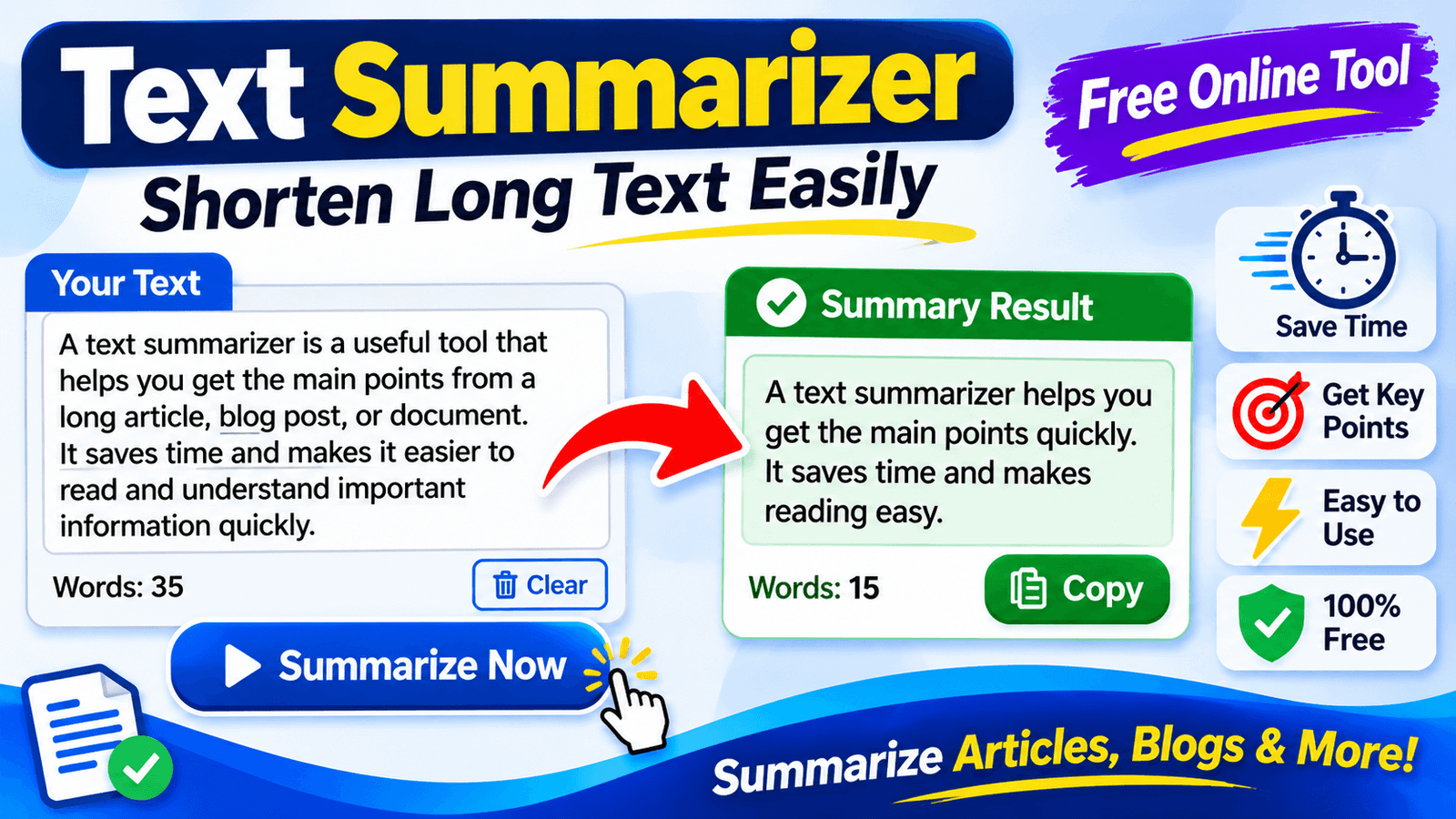
A good summary covers the main idea, keeps the facts correct, and does not add anything new. Read it first, then skim the original to see if anything important is missing. Check names, dates, and numbers, because these are the parts that tools get wrong most often. Ask yourself if someone who reads only the summary would understand the message. If the answer is no, adjust the length or rewrite a part by hand. A quick check like this takes a minute and avoids big mistakes.
Limits of Automatic Summaries
No tool understands your text like a human reader does. A text summarizer may leave out a small but important detail, mix up the meaning of a sentence, or give weight to the wrong part. It can struggle with sarcasm, tables, charts, and very technical writing. It cannot check if the source itself is true. Very short text also gives weak results, since there is little to shorten. Treat the summary as a helpful first look, and always go back to the source when the details matter.
Free vs Paid Options
Free tools are good for short text, quick checks, and daily study. They usually have word limits, fewer settings, and ads. Paid tools may offer longer inputs, file uploads, saved history, more languages, and team features. If you only summarize a few articles a week, a text summarizer free of cost is often enough. If you work with long reports or many files every day, a paid plan may save you time. Try a free version first, and upgrade only when you truly hit its limits.
Privacy and Safety
Before you paste text, think about where it goes. Some tools may store what you submit. For private documents, client files, contracts, school records, or unpublished research, this can be a risk. Read the privacy page and avoid pasting secret or personal data. Choose a text summarizer that clearly says it does not save or share your content. When you are not sure, summarize only the less sensitive parts, or do the work by hand.
How to Summarize by Hand
Reading skill grows when you practice this yourself. Read the full text once. Underline the main idea and the key points. Close the page and write the main message in two or three sentences, using your own words. Then compare with the original to check that nothing important is missing. Cut extra details and examples. Doing this regularly makes you a better reader and writer, and it also makes you better at judging any summary a tool gives you.
Summaries and SEO
For website owners, summaries are useful in many ways. A short summary at the top of a long post helps readers see the value fast. Clear meta descriptions are really short summaries of a page. Key takeaway boxes can help readers stay and scroll. Just remember that a summary of another page is not new content. Search engines prefer pages that bring something fresh, so use summaries to support your own ideas, facts, and experience, not to replace them.
Common Mistakes
The first mistake is trusting the summary and never reading the source. The second is pasting private text into any website. The third is forgetting to check numbers and names. The fourth is copying a summary of someone else’s article and presenting it as your own work without credit. The fifth is choosing a length that is far too short. Avoiding these mistakes makes your text summarizer habit safer and a lot more useful.
Tips for Better Results
Clean your text before pasting it, and remove ads, menus, and repeated lines. Work with one article or chapter at a time. Try two lengths and compare the results. If the topic is hard, summarize each section first and then join the pieces. Add your own notes after the summary, because they help you remember. Keep the original link or title beside your summary. These habits make any text summarizer more useful, and your notes easier to find later.
Checklist Before You Share
Before you share or use a summary, run through a short list. Did you read the original at least in part? Did you use a text summarizer only as a helper and check the result? Are names, dates, and numbers correct? Does the summary match the main message? Did you give credit to the source when needed? Is the language clear and simple? If you can say yes to each question, your summary is ready to use.
Final Thoughts
A good summary saves time, but real understanding still needs your attention. Use tools to find the main points, check the facts yourself, and keep your own voice. When you mix smart tools with careful reading, you get the best of both.