What Is an Online Word Counter?
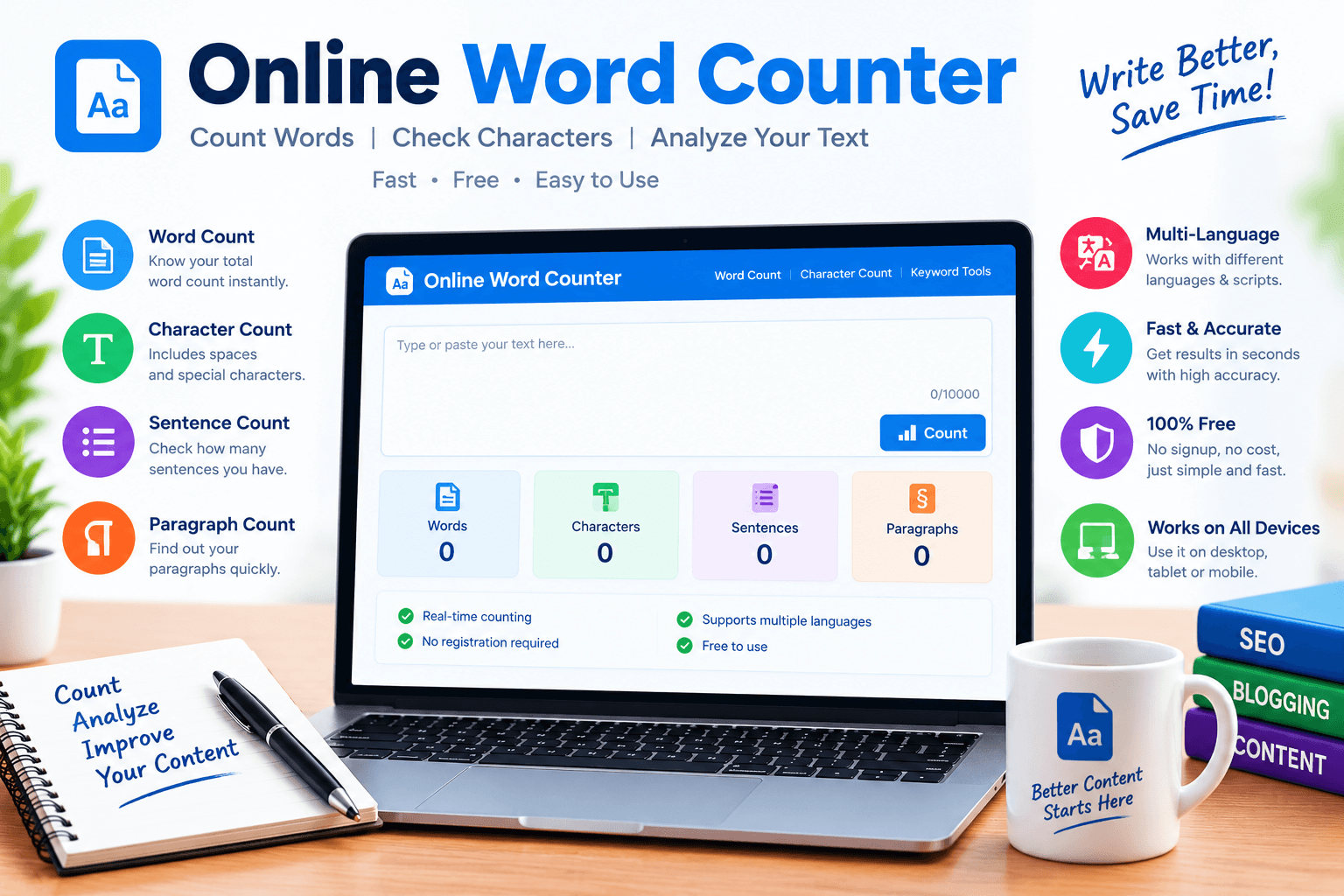
An online word counter is a free web tool that counts the words in any text you paste into a box. You open the page, drop in your writing, and the number appears right away. Most tools also show the number of characters, sentences, and paragraphs, and some even tell you how long the text takes to read. You do not need to install anything or create an account. It works in your browser on a phone, a tablet, or a laptop.
Because it is so simple, students, bloggers, office workers, and website owners all use it every day. It saves time, removes guesswork, and gives you a clear number you can trust before you submit or publish your work.
Why Word Count Matters More Than You Think
Many people see word count as a school rule, but it matters in almost every kind of writing. A teacher may ask for five hundred words. A client may pay for a fixed length. A social media post may allow only a small number of characters.
A blog post that is too short may not cover the topic well, while one that is too long may lose the reader halfway. Knowing your exact length helps you plan your time and keep your message tight. It also stops small embarrassing mistakes, like sending a project that is far under the limit. A quick check takes seconds and can save you from a lot of stress later.
How an Online Word Counter Works
The tool does a simple job in a smart way. It reads your text and treats every group of letters separated by a space as one word. It then adds up those groups and shows the total. At the same time, it counts every letter, number, and symbol to give the character total, and it counts full stops and question marks to estimate sentences. Many tools update the numbers live while you type, so you never have to press a button.
A good counter also handles line breaks and extra spaces without confusion. The idea is easy, but the result is helpful because it turns a messy block of text into clear, readable numbers.
Words, Characters, and Sentences: What Is the Difference?
These three numbers answer different questions, so it helps to know them well. The word count tells you the overall length of your writing. The character count tells you how much space the text takes, and it matters a lot for titles, meta descriptions, and social posts. Some tools show characters with spaces and characters without spaces, so check which one your task needs. The sentence count shows how your writing is built.
If you have many long sentences, the text may feel heavy. If you have only short ones, it may feel choppy. Looking at all three numbers together gives you a fuller picture than looking at the word total alone.
Using an Online Word Counter for SEO
Search engines do not give extra points just for hitting a set word total, but length still plays a part. A page that answers a question fully usually needs enough words to explain it well. An online word counter lets you check that your page is deep enough without being bloated.
It also helps you keep titles and descriptions inside the limits where search results show them. If your title is too long, Google may cut it off and hide your best words. By checking your numbers before publishing, you give your page a cleaner look in search results, and that can lead to more clicks from people who see it.
The Best Word Count for a Blog Post
There is no single perfect number, but a few ranges work well. A short news-style post can be around six hundred words. A normal helpful article usually sits between one thousand and fifteen hundred words. A deep guide on a hard topic can go beyond two thousand.
The right choice depends on what people want when they search. If they want a quick fact, give it fast. If they want a full guide, take your time and explain each part. Look at the pages that already rank for your topic and use an online word counter to see how long they are. Then aim to be more useful, not just longer.
Checking Title and Meta Description Length
The title and description are the first things a person sees in search results, so their length is important. A title of about fifty to sixty characters usually shows in full, and a description of about one hundred and fifty characters fits well on most screens.
These numbers can change a little, so treat them as a guide and not a strict law. Paste your title and description into the counter and watch the character total. If it goes over, trim the less important words. Keep the main idea near the front so it is never cut off. This small habit makes your listing look neat and makes it easier for people to understand your page.
How Students Use a Word Counter
Students lean on word counters more than anyone. Essays, reports, and short answers often come with strict limits, and going over or under can cost marks. A counter lets a student check progress while writing instead of at the end. It also helps with planning. If an essay needs one thousand words and has five parts, the student can aim for about two hundred words in each part.
Some counters show reading time too, which helps when preparing a speech. The best advice for students is to check the number often, but never to pad the text with empty words just to reach a target. Clear and honest writing always wins.
Word Counters for Writers and Freelancers
Freelance writers often get paid by the word, so an accurate count is part of their daily work. They also need to match the length a client asks for, and missing it can mean extra edits or lost trust. A word counter gives a neutral number both sides can agree on.
Writers also use it to track daily goals, such as finishing five hundred words before lunch. Seeing the number grow is a nice push to keep going. Remember that different programs count words in slightly different ways, especially with hyphens and numbers. If a client has a preferred method, check with them early so there are no surprises at the end.
Using the Tool for Social Media and Emails
Short writing has limits too. Many social platforms cap the length of a post, and a message that is too long gets cut off or ignored. Email subject lines work best when they are short enough to read on a phone screen. An online word counter makes it easy to test your text before you send it. Type the message, look at the character count, and trim until it fits. This also trains you to write with less filler. People scroll fast, so a clear, short message often does better than a long one. Short does not mean weak. It means every word has a job to do.
Reading Time and Why It Helps
Many counters show an estimated reading time next to the word total. This number is usually based on about two hundred to two hundred and fifty words per minute, which is an average speed for adults. A fifteen hundred word article takes around six or seven minutes to read.
Knowing this helps you decide if the length fits your audience. Some blogs show reading time at the top of the post, and readers like to know what they are getting into. It is only an estimate, because people read at different speeds and pages with images or lists feel faster. Still, it is a handy extra that costs you nothing.
Features to Look for in a Good Counter
Not all tools are equal, so look for a few simple things. The tool should be fast and update as you type. It should show words, characters with and without spaces, sentences, and paragraphs. It is nice when it also shows the most used words, because you can spot repeated terms and fix them. The page should load quickly, work well on a phone, and not be covered with annoying pop-ups. Most important, it should be clear about privacy. Your text should not be saved or shared without your permission. If a tool asks you to sign up just to count words, it is better to try a different one.
Common Mistakes to Avoid
One common mistake is trusting the number too much. A word count says nothing about quality, so a short, sharp article can beat a long, weak one. Another mistake is forgetting to remove things that should not be counted, such as notes, extra headings, or reference lists, when your task has strict rules. Some people also copy text from a page that adds hidden spaces or odd symbols, which can change the result. Finally, many writers stuff extra words into a paragraph only to hit a target. Readers notice, and so do search engines. Always edit for clarity first, and use the counter to confirm the length.
Tips to Write Better Using Word Count
Use the number as a tool for improvement. If your paragraphs are very long, split them, because shorter blocks are easier to read on a phone. If your sentences run past thirty words, break them into two. Cut filler phrases like “to” and “at the end of the day.” Check your main keyword count as well, and make sure it appears naturally instead of too often. After each edit, count again to see how the length changes. Over time, you will learn your own habits, and you will start to write cleaner text on the first try without needing many corrections.
Frequently Asked Questions
People often ask if a word counter is accurate. For normal text it is, though small differences can appear with hyphens, numbers, or symbols. Others ask if it is safe. A trusted tool that does not store your text is safe, but avoid pasting private or secret documents into unknown sites. Some ask if there is a minimum word count for ranking on Google. There is not, and quality and usefulness matter more. A few ask if the tool works on a phone. Yes, most modern ones do. The last common question is whether the count includes titles and headings. That depends on what you paste, so include them if your task needs them.