Introduction
Every website needs useful content to attract visitors, answer questions, and build trust. However, publishing articles alone does not guarantee that people will find your pages through search engines. Your content needs to be clear, relevant, well-organized, and easy to understand. This is where website content optimization becomes important. It is the process of improving website pages so they provide a better experience for readers and are easier for search engines to understand. It includes keyword research, content structure, readability, internal linking, image optimization, and regular updates. Whether you manage a small blog, an online store, or a business website, good content optimization can help build a stronger online presence.
2. What Is Website Content Optimization?
Website content optimization means reviewing and improving the information published on your website. The goal is to make every page useful, accurate, relevant, and easy to navigate. It involves choosing suitable keywords, writing clear titles, organizing sections with headings, and answering the questions visitors may have. It can also include improving images, adding helpful links, and updating outdated information. Content optimization is not simply about adding more words or repeating keywords. It is about making each page better for the people who visit it while helping search engines understand its purpose.
3. Why Is Website Content Optimization Important?
Website content optimization helps visitors find the information they need without confusion. When a page has a clear title, useful headings, and relevant explanations, readers can understand its purpose more easily. Well-organized content also helps search engines identify the main topic of a webpage. This can support your wider SEO strategy and improve the chances of attracting relevant organic visitors. However, search rankings depend on many factors, including competition, website performance, content quality, and authority. Optimization is an important part of SEO, but it cannot guarantee a particular ranking.
4. Understand Your Target Audience
Before creating or improving a webpage, think about the people who will use it. Consider their interests, common questions, problems, and level of knowledge. A beginner looking for an SEO guide may need simple explanations, while an experienced marketer may prefer detailed examples and advanced information. Understanding your audience helps you decide what to include and how to explain it. For example, if your website offers keyword checking tools, visitors may want to know how to count keywords, understand keyword frequency, and improve their articles. Your content should answer these questions clearly.
5. Perform Keyword Research
Keyword research helps you discover the words and phrases people use when searching online. Start with the main subject of your page and identify the phrases that describe it accurately. Then research related terms that may help you cover the topic more completely. For a page about website content optimization, related keywords may include content optimization tools, SEO content writing, keyword placement, readability checker, and on-page SEO. Choose phrases based on relevance and user intent instead of adding every popular keyword. Good research gives your content a clear direction before you begin writing.
6. Choose the Right Focus Keyword
A focus keyword is the main search phrase that describes the subject of a webpage. It should match the information on the page and reflect what your audience may search for. For example, a guide explaining how to improve website articles can use “website content optimization” as its primary keyword. Include the phrase naturally in the SEO title, main heading, introduction, and relevant sections. You can also use it in the URL and meta description when appropriate. Avoid forcing the keyword into every paragraph because natural language is more important than reaching an artificial repetition target.
7. Create Helpful and Original Content
Original content gives visitors a reason to read your website instead of another page covering the same topic. It should explain useful ideas, answer questions, and provide information that readers can apply. Before publishing, review your article and ask whether it offers enough detail to solve the reader’s problem. Add examples, practical instructions, and clear explanations where they are helpful. Avoid copying other websites or rewriting their sentences without adding value. Website content optimization should improve the usefulness of information, not simply change its wording.
8. Write Clear and Attractive SEO Titles
The SEO title helps readers understand what a webpage covers and may appear as the clickable headline in search results. A good title should be specific, natural, and relevant to the page. Include the focus keyword when it fits, but avoid repeating it unnecessarily. For example, “Website Content Optimization: Simple Ways to Improve Your SEO” tells readers what they can expect. Do not use misleading promises or exaggerated claims. A clear title helps attract the right audience and makes the subject of your page easier to understand.
9. Create Useful Meta Descriptions
A meta description is a short summary that may appear below a webpage title in search results. It should explain what the page offers and encourage interested visitors to read it. Include the primary keyword naturally if it fits, and describe the real information available on the page. Avoid turning the description into a list of keywords. Search engines may choose a different snippet for some searches, but writing a helpful description is still a useful optimization practice. Each important page should have a unique description that matches its content.
10. Organize Content with Headings
Headings make long articles easier to read and help visitors find specific information. Use one clear main heading and divide the article into sections with relevant subheadings. Arrange the sections in a logical order so readers can follow the explanation from beginning to end. For example, a guide about website content optimization might include keyword research, readability, internal links, image improvements, and content updates. Headings should describe the information below them. Include keywords when they fit naturally, but do not create headings only to repeat the focus phrase.
11. Improve Content Readability
Readability means how easily visitors can understand your writing. Complicated sentences, unnecessary technical terms, and unclear explanations can make readers leave a page without finding the answer they need. Use simple language where possible and explain technical words when they are important. Keep paragraphs focused on one main idea and use examples to make difficult topics easier. A readability checker can help identify sentences that may need attention. However, a tool’s score should not control every writing decision. Clear communication is the main goal.
12. Use Keywords Naturally
Keywords help describe the subject of a webpage, but they should always fit the meaning of the sentence. Use the primary keyword in important places and include related phrases where they provide useful context. For example, an article about website content optimization may naturally discuss SEO content analysis, keyword frequency, content quality, and page structure. There is no need to repeat the same phrase in every paragraph. Natural wording makes the article easier to read and helps explain the topic in a complete way.
13. Avoid Keyword Stuffing
Keyword stuffing happens when a writer repeats a keyword excessively to try to influence search rankings. It can make an article sound unnatural and create a poor experience for visitors. Instead of adding the focus keyword wherever possible, use it only when it supports the meaning of the content. A keyword frequency checker can help identify repeated words and phrases, but the writer must decide whether those repetitions are necessary. Remove unnecessary repetition and use relevant alternatives when they make the explanation clearer.
14. Add Relevant Internal Links
Internal links connect different pages on your own website. They help visitors discover related information and make it easier for search engines to find your content. For example, a website content optimization guide can link to articles about keyword density, keyword placement, content optimization tools, and keyword usage checkers. Use descriptive anchor text so visitors know what they will find after clicking. Add links only when they support the subject of the page. Useful internal linking creates a better browsing experience and helps organize your website.
15. Use Trustworthy External Links
External links connect your page to useful information on other websites. You can use them when referring readers to official documentation, reliable research, or helpful educational resources. Choose sources carefully and make sure they support the information you are discussing. Do not add unrelated links just to make your article look more professional. Your own content should explain the topic clearly, while external resources can provide additional information for visitors who want to learn more.
16. Optimize Images for Website SEO
Images can make website content more interesting and help readers understand information visually. Choose images that are relevant to the page and use descriptive file names before uploading them. Add accurate alternative text that explains the image for visitors using screen readers. Compress large files to reduce loading time and use suitable image dimensions for your website layout. A relevant featured image can also make an article more attractive when shared on social media. Avoid using large or unrelated images that do not improve the page.
17. Make Your Website Mobile-Friendly
Many people browse websites on smartphones, so your content should work properly on smaller screens. Use a responsive website design, readable font sizes, and clear spacing between sections. Make sure images fit the screen and links are easy to tap. Avoid layouts that require visitors to zoom in or scroll sideways to read normal content. Preview important pages on mobile devices before publishing. A comfortable mobile experience helps visitors access your information and navigate your website more easily.
18. Improve Website Loading Speed
A slow website can make visitors wait too long before reading your content. Large images, unnecessary scripts, too many plugins, and poor hosting can affect page performance. Compress images, remove plugins you no longer use, and choose reliable hosting. You can also use website performance testing tools to identify technical problems. Fast loading pages help visitors access information more comfortably. Content optimization should therefore include both the quality of the writing and the technical experience of using the page.
19. Use Content Optimization Tools
Content optimization tools help writers review and improve website articles. Depending on the tool, features may include word counting, keyword frequency, keyword density, readability checks, heading analysis, and repeated-word detection. Some advanced platforms also offer related keyword suggestions and content comparisons. These tools can save time and make editing easier, especially when managing many pages. However, automated suggestions are not always correct. Review the results carefully and make changes only when they improve the accuracy, usefulness, or readability of your content.
20. Update Old Website Content
Older articles may contain outdated information, broken links, or explanations that no longer meet visitors’ needs. Reviewing these pages regularly helps maintain website quality. Check whether the content still answers the original search query and update information that has changed. Add useful examples, improve unclear sections, and remove details that are no longer relevant. You can also review keyword usage and internal links during the update. Do not add unnecessary words simply to make the article longer. Every change should provide real value.
21. Optimize Product and Service Pages
If your website offers products or services, those pages also need useful content. Product descriptions should explain important features, benefits, and relevant details. Service pages should clearly describe what is offered and how it can help potential customers. Use accurate titles, descriptive headings, and natural keywords. Include useful images and links to related information where appropriate. Avoid copying identical descriptions across many pages. Each page should give visitors enough information to understand what makes that particular product or service relevant to them.
22. Measure Content Performance
After publishing or updating a page, monitor its performance over time. Search performance tools can show impressions, clicks, search queries, and average positions. Website analytics can help you understand how visitors interact with your pages. If a page receives impressions but few clicks, review the title and meta description. If visitors cannot find the information they need, consider improving the page structure or adding clearer explanations. Use real performance data to guide updates rather than making random changes.
23. Common Website Content Optimization Mistakes
Some website owners focus only on keyword counts and forget to provide useful information. Others publish copied content, use misleading titles, or add headings that do not match the sections below them. Ignoring broken links, spelling mistakes, mobile usability, and outdated facts can also reduce content quality. Another common mistake is expecting an SEO score to guarantee high rankings. Tools can help identify possible improvements, but they cannot replace research and careful editing. Review every page from the visitor’s point of view before publishing.
24. Best Practices for Website Content Optimization
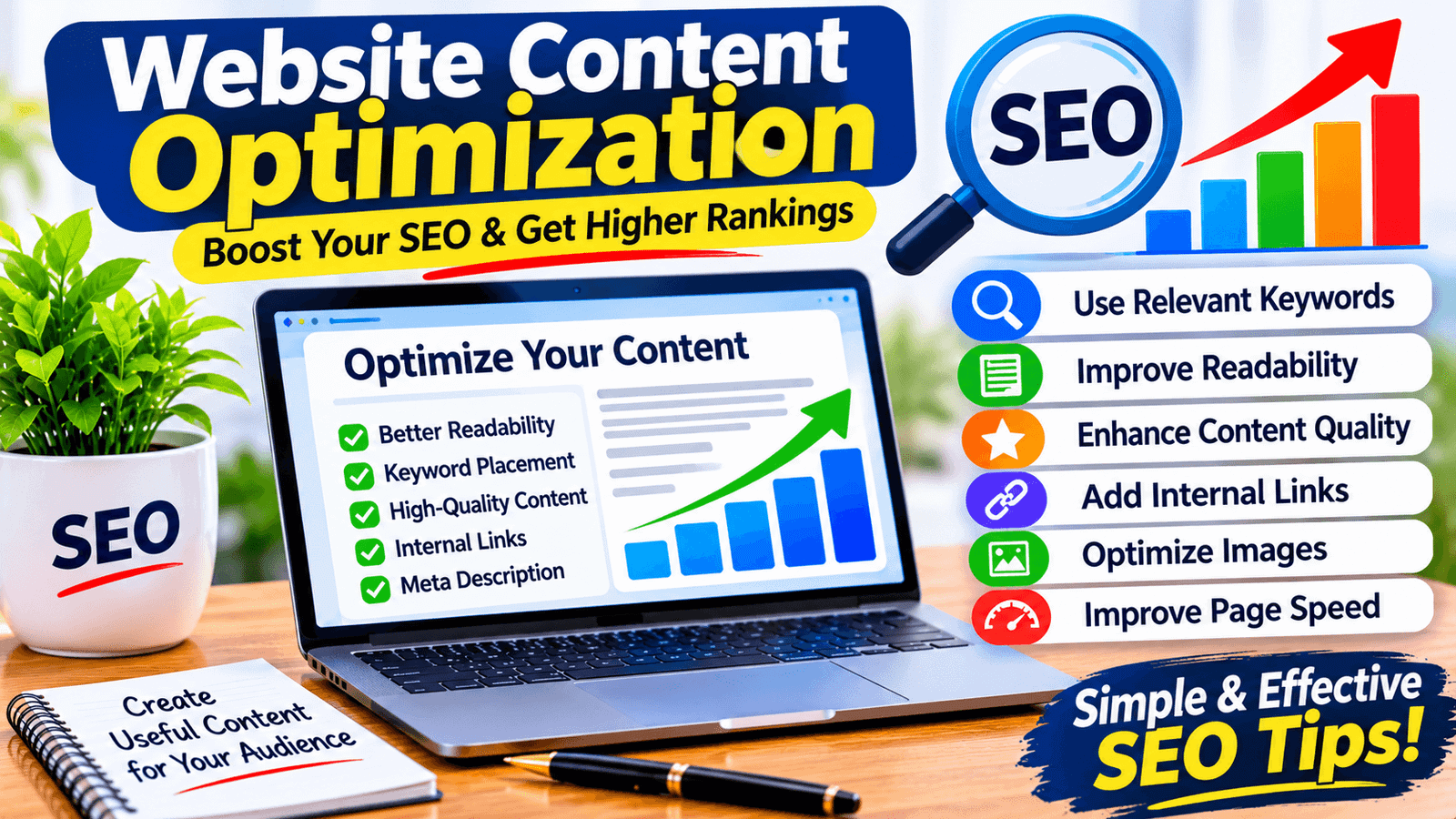
Start by understanding your audience and researching the topic carefully. Choose a relevant focus keyword and supporting phrases, then create a clear outline. Write original information, organize it with descriptive headings, and use natural language. Review spelling, readability, keyword repetition, and factual accuracy before publishing. Add relevant internal links, optimize images, and make sure the page works well on mobile devices. After publication, monitor performance and make meaningful updates when necessary. A consistent process helps maintain quality across your website.
25. Conclusion
Website content optimization is an important part of building a useful and successful website. It helps improve keyword usage, readability, headings, images, internal links, and the overall quality of information. Bloggers, businesses, and website owners can use these methods to create pages that are easier to understand and more relevant to visitors. SEO tools can support the process, but helpful information and careful editing remain essential. Focus on answering real questions, maintaining accurate content, and improving the user experience to build a stronger foundation for long-term website growth.
Short Paragraph
Website content optimization helps improve articles and pages through better keywords, clear headings, readable writing, useful links, and relevant images. Use content analysis and keyword checking tools to review your pages, remove unnecessary repetition, and create helpful information for your visitors.